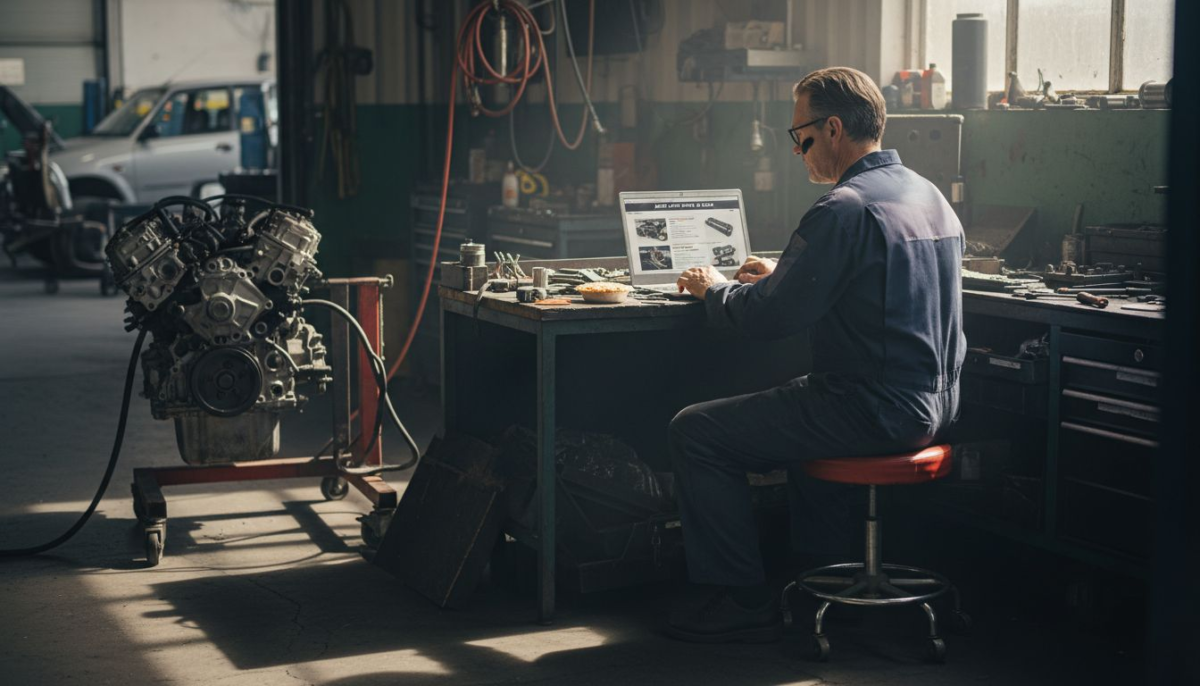
Standing out in a crowded market can be tough for small and medium auto shops across New Zealand. With more customers turning to online search before visiting a workshop, a mechanic website is now much more than a digital business card. By offering a digital storefront for auto shops, your website can showcase expertise, build trust, and make it easy for new customers to book your services around the clock.
Table of Contents
- What a Mechanic Website Actually Is
- Online Search and Customer Expectations
- Key Website Features for Auto Shops
- Seo, Trust Signals and Credibility Boost
- Costs, Responsibilities and Common Mistakes
Key Takeaways
| Point | Details |
|---|---|
| Professional Website is Essential | A mechanic website is a critical tool for attracting and converting customers, showcasing services, and building credibility online. |
| Customer Expectations Matter | Consumers desire user-friendly, informative, and transparent online experiences, which significantly influence their choice of service providers. |
| Strategic Features Drive Engagement | Essential features like online booking systems and customer testimonials enhance trust and streamline interactions, increasing conversion rates. |
| Ongoing Maintenance is Crucial | Regular updates, SEO optimisation, and commitment to web presence are vital for maintaining visibility and credibility in a competitive market. |
What a Mechanic Website Actually Is
A mechanic website serves as a comprehensive digital platform that transforms how auto repair shops connect with potential customers. More than just an online business card, it represents a strategic tool for attracting, engaging, and converting automotive service clients in the digital marketplace.
At its core, a mechanic website functions like a virtual showroom, providing potential customers with critical information about services, expertise, and credibility. Digital storefronts for auto shops enable mechanics to showcase their professional capabilities beyond traditional word-of-mouth marketing.
Key elements of an effective mechanic website include:
- Detailed service descriptions
- Clear pricing information
- Professional photo galleries of workshop and completed repairs
- Contact and booking mechanisms
- Customer testimonial sections
- Mobile-responsive design
Website functionality goes far beyond simple information display. A well-designed mechanic website guides users smoothly toward service booking by creating intuitive navigation and trust-building elements. This digital presence acts as a 24/7 marketing representative, attracting customers when traditional advertising methods fall short.
The website becomes an extension of the physical workshop, communicating professionalism, reliability, and technical expertise through strategic design and content. For modern automotive businesses, an intelligent web presence isn’t optional – it’s essential for sustainable growth and customer acquisition.
Pro tip: Invest in professional website design that reflects the precision and quality of your mechanical services.
Online Search and Customer Expectations
In today’s digital landscape, online search has fundamentally transformed how customers find and select automotive repair services. Modern consumers expect more than basic contact information when searching for mechanics – they demand a comprehensive, user-friendly digital experience that provides immediate insights into a workshop’s capabilities and credibility.
Customer expectations for online service research have evolved dramatically, with users prioritising seamless digital interactions that offer transparency, convenience, and instant access to critical information. Mechanics must understand that their website serves as a first point of contact, often determining whether a potential customer will choose their services.
Key customer expectations for mechanic websites include:
- Instant visibility of service offerings
- Clear and transparent pricing information
- Professional presentation of technical expertise
- Mobile-responsive design
- Quick and easy booking mechanisms
- Comprehensive contact details
- Customer reviews and testimonials
Successful automotive businesses recognise that reducing decision friction online is crucial for attracting and retaining customers. This means creating an online presence that not only provides information but also builds trust through professional design, clear communication, and user-friendly navigation.
Website design goes beyond aesthetics – it’s about creating a digital representation of your mechanical expertise that resonates with potential customers’ needs and expectations. By investing in a strategic online approach, mechanics can transform their digital presence from a mere information portal to a powerful customer acquisition tool.
Pro tip: Regularly update your website content to reflect current services, technologies, and customer testimonials to maintain relevance and trust.
Key Website Features for Auto Shops
A successful mechanic website requires strategic design and functionality that goes beyond simple online presence. Modern auto repair shops must create digital platforms that not only showcase services but also actively engage and convert potential customers through intelligent website features.

Website maintenance for business success demands comprehensive features that address multiple customer interaction points and business objectives. The digital landscape for automotive services requires a multifaceted approach to online representation.
Critical website features for auto shops include:
- Professional service description pages
- High-quality images of workshop and completed repairs
- Clear pricing and service packages
- Online booking and appointment scheduling systems
- Mobile-responsive design
- Customer review and testimonial sections
- Location and contact information
- Technical expertise showcase
- Interactive diagnostic tools
- Transparent service warranty information
Website functionality should seamlessly integrate technical information with user-friendly design. Mechanics need digital platforms that communicate professionalism, technical competence, and customer-centric service approaches. This means creating an online environment that builds trust, demonstrates expertise, and makes booking services effortless.
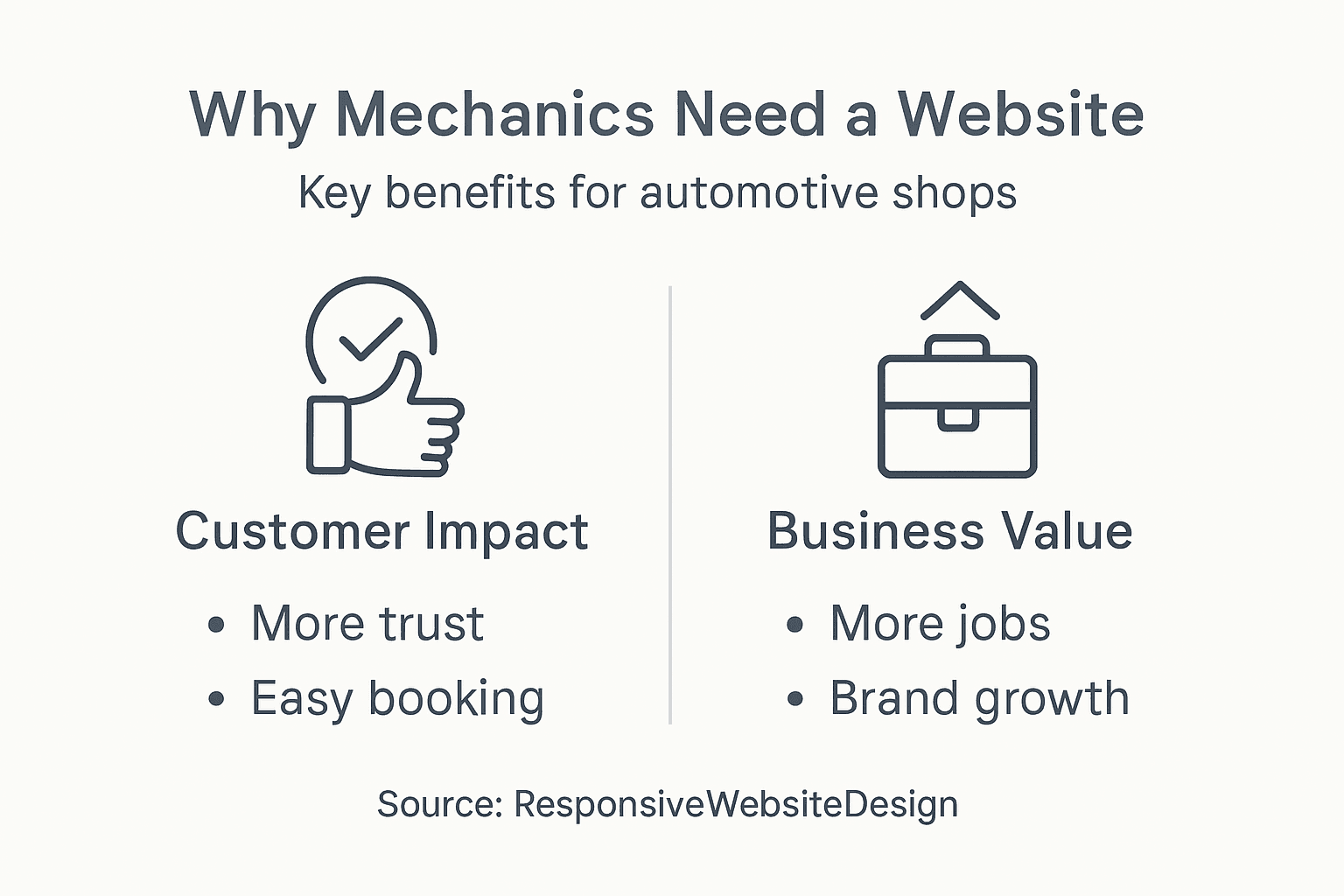
Here’s how key website features benefit automotive businesses:
| Website Feature | Direct Customer Impact | Business Value |
|---|---|---|
| Online booking system | Enables instant service requests | Reduces missed opportunities |
| Professional photo gallery | Builds trust visually | Enhances brand image |
| Technical expertise page | Demonstrates skills and experience | Attracts complex repair jobs |
| Interactive diagnostic tools | Simplifies problem pre-assessment | Streamlines workshop workflow |
The most effective automotive websites transform from mere information portals into powerful marketing tools. They provide potential customers with immediate insights into the workshop’s capabilities, technological understanding, and commitment to quality service delivery.
Pro tip: Integrate professional photography and detailed service descriptions to showcase your mechanical expertise and build immediate customer confidence.
SEO, Trust Signals and Credibility Boost
Modern automotive businesses must understand that digital credibility extends far beyond traditional marketing strategies. A mechanic’s online presence now serves as a critical touchpoint for attracting and retaining customers, with search engine visibility directly impacting business growth and customer trust.
Trust signals in SEO performance fundamentally transform how potential customers perceive and engage with automotive service providers. Google’s sophisticated algorithms evaluate websites through the E-E-A-T framework, which demands mechanics demonstrate genuine expertise, authentic experience, clear authoritativeness, and unwavering trustworthiness.
Key SEO trust signals for mechanic websites include:
- Professional customer reviews and testimonials
- Verified business credentials and certifications
- SSL security certificates
- Consistent NAP (Name, Address, Phone) information
- High-quality, informative content about automotive services
- Regular website updates
- Mobile-responsive design
- Fast page loading speeds
- Clear contact information
- Geographic location verification
Digital trust-building strategies require mechanics to craft an online presence that communicates professionalism and technical competence. This means creating content that not only ranks well in search engines but also genuinely helps potential customers understand automotive services and repair processes.
Successful SEO for mechanics involves transforming websites from simple service listings into comprehensive resources that build confidence, demonstrate expertise, and provide tangible value to potential customers. By strategically implementing trust signals, auto repair shops can significantly enhance their online visibility and customer acquisition potential.
Pro tip: Continuously update your website with authentic customer experiences and technical insights to maintain strong SEO credibility.
Costs, Responsibilities and Common Mistakes
Building a mechanic website involves more than technical design – it requires strategic financial planning and comprehensive understanding of ongoing digital responsibilities. Automotive businesses must approach their online presence as a critical investment that demands consistent attention, resources, and strategic management.
Workshop management strategies reveal that successful digital platforms require transparent cost structures and clear operational responsibilities. Mechanics must budget not just for initial website development, but for continuous maintenance, updates, and potential redesigns.
Key website development and maintenance costs include:
Review this strategic website cost breakdown for mechanic businesses:
| Cost Area | Typical Range (NZD) | Why It Matters |
|---|---|---|
| Initial design & build | 2,500 – 5,000 | Sets professional foundation |
| Annual hosting & domain | 250 – 500 | Ensures always-on presence |
| SEO optimisation | 500 – 1,200 | Boosts search visibility |
| Content updates monthly | 300 – 750 | Maintains accuracy & trust |
| Security & plugins | 200 – 450 | Protects customer data |
- Initial website design and development: NZD 2,500 – NZD 5,000
- Annual hosting and domain registration: NZD 250 – NZD 500
- Monthly content updates and management: NZD 300 – NZD 750
- SEO optimization services: NZD 500 – NZD 1,200
- Security and plugin updates: NZD 200 – NZD 450
- Professional photography and graphic design: NZD 750 – NZD 1,500
Common mistakes automotive businesses make with their websites include neglecting regular updates, using outdated design elements, failing to optimise for mobile devices, and not integrating clear call-to-action mechanisms. These oversights can significantly diminish online credibility and reduce potential customer engagement.
Website ownership demands ongoing commitment. Mechanics must view their digital platform as a dynamic marketing tool that requires consistent investment, strategic thinking, and adaptability to changing technological and customer expectations. Successful online presence is not a one-time project but a continuous evolution of digital strategy.
Pro tip: Allocate at least 10% of your annual marketing budget specifically for website maintenance and digital strategy refinement.
Elevate Your Mechanic Business with a Powerful Website
The challenge of turning your workshop into a trusted, easily discoverable automotive service can be solved with a professional and responsive website. As the article highlights, modern customers expect seamless online experiences including clear service descriptions, transparent pricing and effortless booking options. Your online presence should do more than inform — it must build trust, demonstrate expertise and guide potential customers to choose your services with confidence.
ResponsiveWebsiteDesign specialises in creating custom WordPress websites for New Zealand businesses like yours. With a focus on mobile responsiveness, SEO optimisation and ongoing management, our solutions ensure your mechanic website stands out and consistently converts visitors. Whether you are starting fresh or revamping your current site, our team supports you at every stage from design to regular updates.
Take the first step to grow your workshop’s digital footprint with a site tailored to your needs. Visit our Website Archives for insights and explore our complete offerings at ResponsiveWebsiteDesign.

Ready to transform your mechanic business into a digital leader? Contact us today at ResponsiveWebsiteDesign and start attracting more customers with a website that truly drives growth.
Frequently Asked Questions
Why is having a website important for mechanics?
A website is crucial for mechanics as it serves as a digital platform to showcase services, provide detailed information, and attract potential customers, ultimately enhancing business growth.
What key features should a mechanic’s website include?
A mechanic’s website should include detailed service descriptions, clear pricing information, a professional photo gallery, customer testimonials, and easy booking mechanisms to enhance user engagement and credibility.
How can SEO improve the visibility of a mechanic’s website?
SEO improves visibility by optimising the website for search engines, making it easier for potential customers to find the services offered. This includes using trust signals like customer reviews and consistent NAP (Name, Address, Phone) information.
What are the common mistakes mechanics make with their websites?
Common mistakes include neglecting regular updates, using outdated designs, failing to optimise for mobile devices, and lacking clear calls to action, which can hinder customer engagement and reduce online credibility.
Recommended
- How to Build Mechanic Website for Your Business – ResponsiveWebsiteDesign
- Why Builders Need Websites: Complete Business Guide – ResponsiveWebsiteDesign
- Role of Web Design for Electricians’ Success – ResponsiveWebsiteDesign
- Website Maintenance – Why Reliability Matters for Business – ResponsiveWebsiteDesign