
Over 90 percent of Australian and New Zealand consumers turn to search engines before making a purchase online. For New Zealand business owners, this means even a small drop in your WordPress site speed can push local customers straight to an Australian competitor. By focusing on practical SEO steps that boost performance and visibility, you can make sure your website stands out and wins the trust of your community.
Table of Contents
- Step 1: Assess Current Site Performance
- Step 2: Research Target Keywords Strategically
- Step 3: Optimise On-Page SEO Elements
- Step 4: Enhance Site Speed and Mobile Usability
- Step 5: Implement Off-Page SEO Techniques
- Step 6: Monitor Results and Adjust Strategy
Quick Summary
| Key Point | Explanation |
|---|---|
| 1. Assess current site performance | Use tools like Google PageSpeed Insights to determine your website’s baseline metrics. Regular assessments help to guide improvements. |
| 2. Research target keywords | Identify specific long-tail keywords relevant to your audience, as they often have lower competition and higher conversion potential. |
| 3. Optimise on-page SEO elements | Enhance title tags, meta descriptions, and headings while ensuring content aligns with primary keywords for better visibility. |
| 4. Improve site speed and mobile usability | Use mobile-first themes and compress images to create a fast, user-friendly experience across devices, boosting engagement. |
| 5. Monitor results and adjust strategy | Regularly track your website’s performance metrics to refine SEO strategies and align them with evolving business objectives. |
Step 1: Assess current site performance
Performance assessment forms the critical foundation for WordPress SEO optimization. Before implementing any strategies, understanding your current website’s baseline metrics will help guide targeted improvements and measure progress.
To begin, you will want to use comprehensive performance analysis tools like Google PageSpeed Insights or performance measurement tools recommended by WordPress. These platforms evaluate key metrics such as loading speed, mobile responsiveness, and user experience indicators like Largest Contentful Paint (LCP), First Contentful Paint (FCP), and Cumulative Layout Shift (CLS).
The analysis will provide a detailed report highlighting specific areas requiring optimization. Pay close attention to recommendations around image compression, browser caching, server response times, and script minimisation. Typical performance bottlenecks include oversized images, excessive plugin usage, and unoptimised theme configurations. Net Branding professionals recommend systematically addressing each highlighted issue to incrementally improve site speed and search engine ranking potential.
Here’s a summary of key WordPress performance metrics and their business significance:
| Metric | What It Measures | Impact on SEO |
|---|---|---|
| Largest Contentful Paint (LCP) | Time to load main content | Directly affects ranking |
| First Contentful Paint (FCP) | Initial visual content display | Influences user perception |
| Cumulative Layout Shift (CLS) | Visual stability during loading | Impacts user experience |
| Server Response Time | Time to receive server response | Determines site speed |
| Mobile Responsiveness | Adaptability to mobile devices | Essential for mobile ranking |
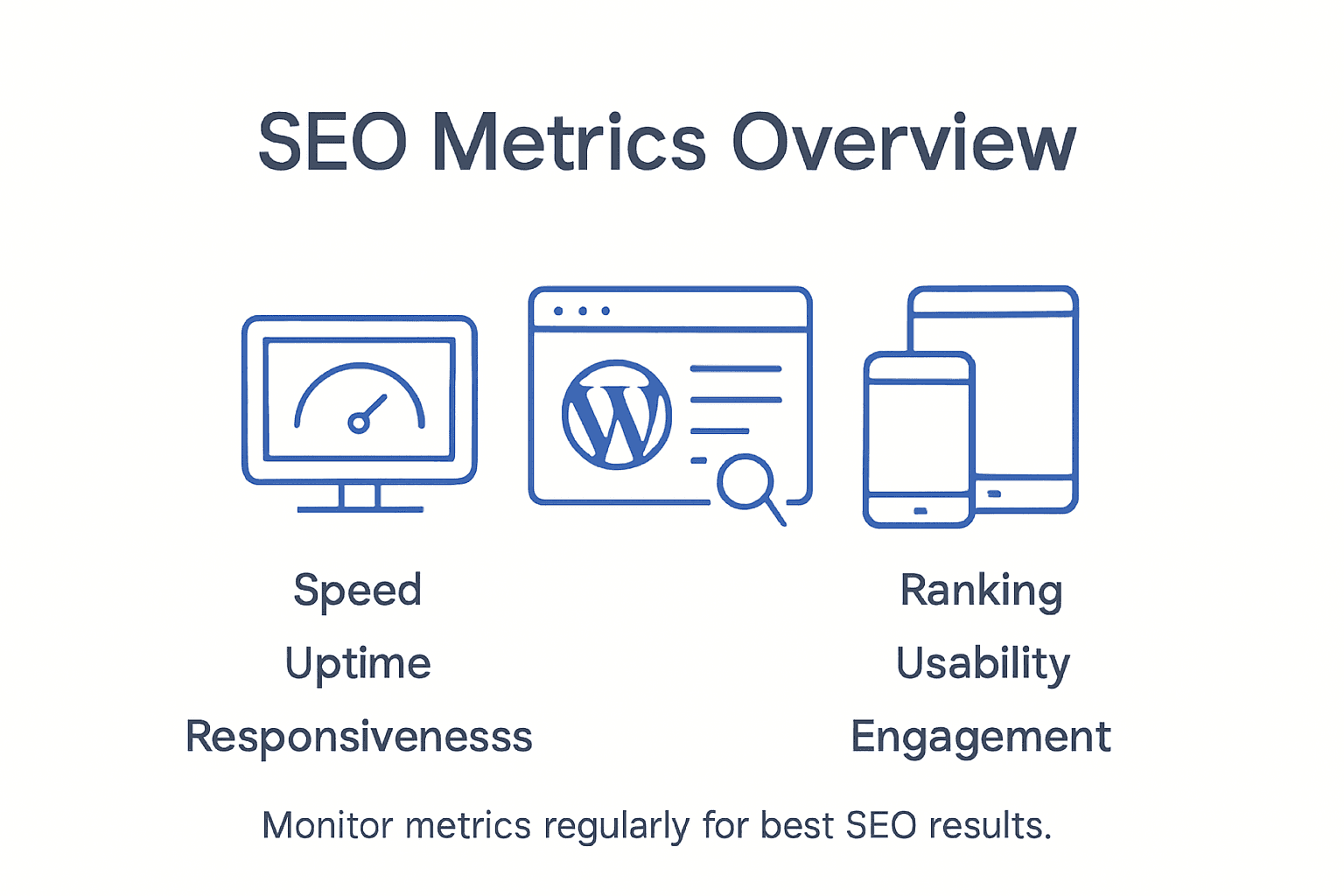
Expert Advice: Conduct performance assessments quarterly to maintain optimal website functionality and stay ahead of potential technical issues.
Step 2: Research target keywords strategically
Keyword research forms the strategic foundation of effective WordPress SEO optimization. Your goal in this step is to uncover the precise search terms potential customers use when seeking services or information related to your business.
Begin by exploring comprehensive keyword research methods recommended by WordPress content strategists, which involve moving beyond generic terms to identify specific long-tail keywords that reflect genuine user intent. These targeted phrases typically have lower competition and higher conversion potential. Utilise tools like Google Keyword Planner, SEMrush, or Ahrefs to analyse search volumes, competition levels, and potential traffic for different keyword variations. Pay special attention to terms that align closely with your specific business offerings and customer pain points.
Compare three major keyword research tools for WordPress SEO:
| Tool | Search Volume Accuracy | Feature Strength | Ideal User |
|---|---|---|---|
| Google Keyword Planner | Reliable for paid search | Free, Google-integrated | Beginners, advertisers |
| SEMrush | Comprehensive | Competitor analysis | Agencies, marketers |
| Ahrefs | Detailed & up-to-date | Backlink data, suggestions | Advanced SEO professionals |
Net Branding professionals suggest developing a keyword strategy that balances high-volume search terms with more specific niche phrases. This approach ensures you are not just attracting traffic, but attracting the right kind of targeted audience most likely to engage with your content. Consider the searcher’s intent behind each keyword analyse whether it represents informational, navigational, or transactional search motivation.
Expert Advice: Create a living keyword document that you update quarterly to ensure your SEO strategy remains dynamic and responsive to changing market trends.
Step 3: Optimise on-page SEO elements
On-page SEO optimisation involves strategically refining individual webpage elements to improve search engine visibility and user engagement. This critical step transforms your WordPress website from a simple online presence into a targeted, search-friendly platform.

Begin by implementing comprehensive WordPress on-page SEO techniques that enhance your content’s searchability. Focus on crafting compelling title tags that include primary keywords, writing meta descriptions that accurately summarise page content, and structuring headings with a clear hierarchy. Ensure your URLs are clean and descriptive, incorporating relevant keywords naturally. Pay special attention to image optimisation by using descriptive alt text, compressing image files, and maintaining appropriate file sizes to improve page load speeds.
Net Branding professionals recommend a holistic approach to on-page SEO that balances technical optimization with high-quality, user-focused content. This means creating in-depth, original content that genuinely answers user queries, using internal linking strategies to connect related content, and ensuring your website provides an exceptional mobile user experience. Remember that modern search algorithms prioritise websites that demonstrate expertise, authoritativeness, and user value.
Expert Advice: Regularly audit your on-page SEO elements every six months to ensure continued alignment with evolving search engine algorithms and user search behaviours.
Step 4: Enhance site speed and mobile usability
Improving your WordPress website’s speed and mobile performance is crucial for maintaining user engagement and search engine rankings. This step focuses on creating a seamless, fast experience across all devices that keeps visitors on your site and converts potential customers.
Start by implementing comprehensive mobile optimization strategies that transform your website’s responsiveness and loading times. Select a mobile-first WordPress theme that automatically adapts to different screen sizes, prioritise image compression techniques to reduce file sizes, and clean up your website database to eliminate unnecessary data that slows down performance. Use performance measurement tools like Google PageSpeed Insights and Lighthouse to identify specific areas for improvement, paying close attention to metrics such as mobile loading speed, touch-friendly navigation, and responsive design elements.
Net Branding professionals recommend a holistic approach to mobile optimization that goes beyond technical adjustments. This means creating content that loads quickly, designing intuitive touch interfaces, and ensuring that critical information is easily accessible on smaller screens. Consider implementing lazy loading for images, minimising plugin usage, utilising content delivery networks, and regularly testing your website across various mobile devices and browser types to guarantee a consistent user experience.
Expert Advice: Conduct monthly mobile performance audits to stay ahead of potential usability issues and maintain optimal website functionality.
Step 5: Implement off-page SEO techniques
Off-page SEO represents the external strategies that build your website’s credibility and authority beyond your immediate digital real estate. This critical step focuses on establishing your WordPress site as a trusted, reputable resource in the eyes of search engines and potential customers.
Begin by understanding authoritative off-page SEO strategies recommended by WordPress experts, which involve creating a comprehensive external reputation management approach. This includes developing a strategic link building campaign that secures high-quality backlinks from respected industry websites, engaging actively on relevant social media platforms, and generating authentic third-party mentions and reviews. Focus on creating valuable content that naturally attracts external links, participate in industry forums and discussions, and leverage local business directories to enhance your digital footprint.
Net Branding professionals emphasise the importance of building genuine relationships within your industry as a cornerstone of effective off-page SEO. This means collaborating with other businesses, contributing guest articles to respected publications, participating in industry podcasts or webinars, and maintaining consistent, high-quality social media engagement. Remember that search engines increasingly value authentic, contextually relevant external signals that demonstrate your website’s expertise, authority, and trustworthiness in your specific market niche.
Expert Advice: Develop a systematic approach to tracking and analysing your off-page SEO efforts, reviewing your external reputation and link profile quarterly to ensure continuous improvement.
Step 6: Monitor results and adjust strategy
Monitoring your WordPress SEO performance is a continuous process that transforms raw data into actionable insights. This critical final step ensures your optimization efforts remain dynamic, responsive, and aligned with your business objectives.
Begin by implementing comprehensive SEO result tracking and analysis techniques that provide nuanced understanding of your website’s performance. Utilise advanced analytics tools like Google Analytics and Search Console to measure key performance indicators such as organic traffic, keyword rankings, click-through rates, conversion metrics, and user engagement signals. Pay close attention to trends rather than isolated data points, looking for patterns that reveal the effectiveness of your SEO strategies and identifying areas requiring strategic refinement.
Net Branding professionals recommend developing a systematic approach to performance evaluation that goes beyond surface-level metrics. This means conducting monthly comprehensive reviews that assess not just quantitative data, but also qualitative factors like user experience, content relevance, and alignment with evolving search engine algorithms. Create a flexible adjustment framework that allows you to quickly pivot your SEO tactics based on emerging insights, emerging industry trends, and changes in your target audience’s search behaviours.
Expert Advice: Implement a quarterly strategic review process that combines data analysis with creative problem solving to continuously optimize your WordPress website’s search engine performance.
Boost Your WordPress SEO with Expert Support
Struggling to improve your WordPress website’s SEO performance despite following optimisation steps can be frustrating. This article highlights key challenges such as managing site speed, mobile usability, on-page SEO, and off-page link building — all essential for better rankings and user experience. If these complex requirements and evolving strategies feel overwhelming, you are not alone. Many New Zealand businesses face similar issues when trying to transform their sites into powerful marketing tools.

Take control of your SEO success today by partnering with professionals who understand the importance of a tailored approach. At ResponsiveWebsiteDesign, we specialise in creating custom WordPress websites that are visually engaging, fully optimised for search engines, and designed for long-term growth. From thorough keyword research to performance tuning and ongoing SEO management, our solutions cover everything discussed in the SEO Archives. Plus, our expertise in responsive design ensures your site shines on any device, an absolute must for improving your mobile rankings highlighted in the article.
Explore how we can help turn your SEO challenges into measurable results today by visiting our Website Archives or start your journey now on our main site https://responsivewebsitedesign.co.nz. Don’t wait for your competitors to outpace you take the first step towards a stronger digital presence and higher search engine visibility.
Frequently Asked Questions
How can I assess my WordPress site’s current SEO performance?
To assess your WordPress site’s current SEO performance, use comprehensive performance analysis tools that measure key metrics like loading speed and mobile responsiveness. Begin by running a performance analysis to identify areas needing improvement, and act on the suggestions provided to enhance your site’s performance.
What are long-tail keywords, and how do I find them for my WordPress website?
Long-tail keywords are specific phrases that typically have lower competition and higher conversion potential. Use keyword research tools to identify these targeted phrases that align closely with your services and content, and create a keyword strategy that balances these with high-volume terms.
What are the key on-page SEO elements I should optimise on my WordPress site?
Key on-page SEO elements include title tags, meta descriptions, headings, and URLs. Craft compelling title tags with primary keywords and ensure that your content is structured clearly to improve search engine visibility and user engagement.
How can I enhance my WordPress site’s speed and mobile usability?
To improve your WordPress site’s speed and mobile usability, implement mobile optimisation strategies such as selecting a responsive theme and compressing images. Regularly test your site’s performance across devices and aim for loading times under two seconds to enhance user experience.
What off-page SEO techniques should I implement for my WordPress site?
Focus on building high-quality backlinks from reputable sites and engaging actively on relevant social media platforms for off-page SEO. Develop valuable content that encourages external linking and strengthen your online reputation through authentic reviews and mentions.
How often should I monitor and adjust my WordPress SEO strategy?
Regularly monitor your SEO performance and adjust your strategy monthly to stay responsive to changes in user behaviour and search engine algorithms. Conduct a comprehensive review every three months to refine your tactics based on data insights and optimise for ongoing improvements.
Recommended
- Boost Performance With Website Speed Optimization Builders – ResponsiveWebsiteDesign
- Website Maintenance Checklist for Business Success – ResponsiveWebsiteDesign
- How to Improve Site Speed for Better User Experience – ResponsiveWebsiteDesign
- How to Update Website Content for Business Success – ResponsiveWebsiteDesign
- Building WordPress Websites for AI | – WPCTO