
Most New Zealand companies miss out on valuable foot traffic because nearly 46 percent of all Google searches are local. If your WordPress website is not outperforming australian competitors in local search results, you could be leaving revenue on the table. By sharpening your local search strategies and making targeted improvements to your site, you can attract more nearby buyers and increase online sales where it matters most.
Table of Contents
- Step 1: Assess Current Local Search Presence
- Step 2: Configure WordPress for Local SEO
- Step 3: Enhance Local Content and Pages
- Step 4: Leverage Google Business Profile Effectively
- Step 5: Monitor Performance and Refine Strategies
Quick Summary
| Key Point | Explanation |
|---|---|
| 1. Assess Local Search Visibility | Conduct a detailed audit of your online presence to identify inconsistencies affecting rankings. |
| 2. Configure WordPress for Local SEO | Install an SEO-friendly theme and plugin to optimise your site’s local search capabilities. |
| 3. Enhance Local Content | Create engaging, location-specific content that resonates with the local New Zealand audience. |
| 4. Optimise Google Business Profile | Maintain an active and accurate Google Business Profile to boost visibility and attract customers. |
| 5. Monitor Performance Consistently | Use analytics tools to track SEO performance and adjust strategies based on real data insights. |
Step 1: Assess Current Local Search Presence
Understanding your local search presence is critical for businesses looking to attract nearby customers through online channels. This initial assessment helps you map out where your business currently stands in local search engine optimization and identify potential areas for strategic improvement.
Start by conducting a comprehensive audit of your online visibility. Open a web browser and search for your business name and location. Note how your business appears in search results across different platforms. Check your Google Business Profile and verify all details are accurate. Examine your current local directory listings and look for any inconsistencies in your business name, address, phone number or website details. These small variations can significantly impact your local search rankings.
Quality local search visibility requires meticulous attention to detail. Systematically review each listing platform independently. Collect screenshots and create a spreadsheet documenting existing listings. Net Branding recommends checking platforms like Google Maps, Yelp, Yellow Pages, and local business directories specific to New Zealand. Pay particular attention to contact information accuracy.
Expert Suggestion: Create a standardised tracking document to monitor and update your local business listings consistently across all digital platforms.
Step 2: Configure WordPress for Local SEO
Configuring your WordPress website for local search optimisation requires strategic setup and targeted technical adjustments. This phase focuses on transforming your website into a locally discoverable digital asset that attracts nearby customers through precise search engine optimisation techniques.
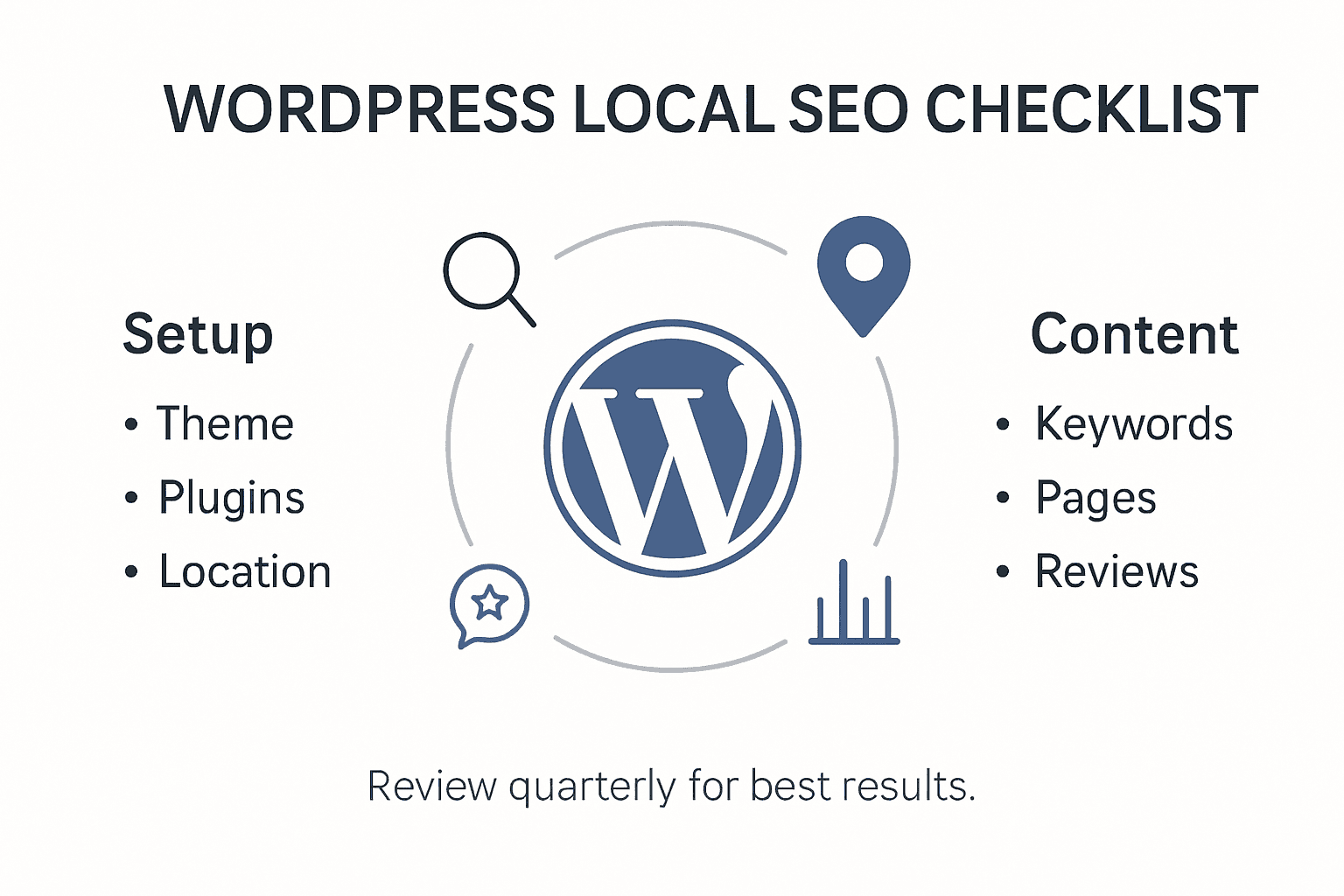
Start by selecting an SEO friendly WordPress theme designed with local business needs in mind. Ensure your chosen theme supports responsive design and includes schema markup capabilities. Install a reputable SEO plugin like Yoast SEO or All in One SEO Pack that allows granular control over local business metadata. Configure your permalink structure to create clean search friendly URLs that include location specific keywords relevant to your New Zealand business market.
Net Branding recommends taking a systematic approach to local SEO configuration. Add your precise business location details consistently across your website footer contact sections. Implement local business schema markup to help search engines understand your geographic relevance. Include location specific keywords naturally within your website content without overstuffing. Verify your Google Business Profile is accurately linked and synchronised with your WordPress website to maximise local search visibility.
Expert Suggestion: Regularly audit your local SEO configuration quarterly to ensure all technical elements remain optimally aligned with current search engine guidelines.
Here is a summary of key local SEO actions for WordPress:
| Action Step | Purpose | Expected Benefit |
|---|---|---|
| SEO Friendly Theme | Enhances website performance & appearance | Boosts local search relevance |
| SEO Plugin Installation | Provides metadata and schema control | Improves visibility in search |
| Location Details on Site | Ensures NAP consistency on pages | Increases trust and rankings |
| Schema Markup | Signals location to search engines | Enables richer search results |
Step 3: Enhance Local Content and Pages
Enhancing your local website content requires a strategic approach that speaks directly to your New Zealand audience while simultaneously signalling relevance to search engines. The goal is to create compelling local content strategies that connect authentically with your community and improve online visibility.
Focus on developing location specific content that highlights your unique local expertise. This means crafting web pages that incorporate specific references to New Zealand regions, local landmarks, community events, and region specific language. Include detailed service descriptions that emphasise your local understanding. Integrate customer testimonials from local clients and create case studies that showcase your work within specific New Zealand neighbourhoods. Net Branding recommends developing content that demonstrates deep local knowledge beyond generic service descriptions.

Optimise your web pages with careful attention to on page elements. Use location specific keywords naturally within headings and meta descriptions. Add alt text to images that references local contexts. Create internal links between your local service pages to strengthen topical relevance. Consider developing dedicated pages for different service areas or regions you operate within New Zealand to maximise local search potential.
Expert Suggestion: Create a content calendar specifically designed to regularly update and refresh your local website content to maintain ongoing search engine relevance.
Step 4: Leverage Google Business Profile Effectively
Mastering your Google Business Profile is crucial for local businesses seeking to maximise online visibility and attract nearby customers. Understanding how to optimise your digital business presence can significantly impact your local search performance and customer engagement.
Start by claiming and thoroughly verifying your Google Business Profile with precise and comprehensive business information. Ensure every detail including business name, address, phone number, operating hours, and service descriptions are 100 percent accurate. Upload high quality professional images that showcase your business environment, team, and products. Regularly update your profile with fresh content such as event announcements, special offers, and recent work examples. Net Branding recommends treating your profile as a dynamic marketing platform rather than a static listing.
Encourage satisfied customers to leave genuine reviews and consistently respond to all feedback professionally. Use the Google Business Profile insights to understand how customers find and interact with your listing. Analyse metrics like search queries, customer actions, and photo views to refine your local marketing strategy. Create posts that highlight your unique value proposition and local expertise. Remember that an active and engaging profile signals credibility to both potential customers and search algorithms.
Expert Suggestion: Set a monthly reminder to review and refresh your Google Business Profile content to maintain optimal local search visibility.
Step 5: Monitor Performance and Refine Strategies
Local SEO is an ongoing process that requires consistent tracking and strategic adjustments. Implementing robust SEO monitoring and auditing techniques will help you stay ahead of performance trends and continuously improve your online visibility.
Establish a comprehensive monitoring system by integrating multiple analytics tools. Use Google Analytics, Google Search Console, and specialised SEO tracking platforms to gather detailed insights about your website performance. Track key metrics such as organic search traffic, keyword rankings, click through rates, and user engagement specific to local searches. Net Branding recommends creating a monthly performance dashboard that highlights critical SEO indicators and helps you identify trends quickly.
Regularly conduct technical and content audits of your WordPress website. Review your local keywords performance and adjust your content strategy based on actual search data. Investigate user behaviour metrics to understand how local customers interact with your website. Look for opportunities to improve page load speeds, mobile responsiveness, and content relevance. Pay close attention to fluctuations in local search rankings and be prepared to make data driven refinements to your SEO approach.
Compare common local SEO analytics tools for monitoring performance:
| Tool | Main Function | Key Local SEO Insight |
|---|---|---|
| Google Analytics | Tracks site traffic | Measures local visitor flows |
| Google Search Console | Monitors search visibility | Identifies local keyword issues |
| 3rd-Party SEO Platforms | Aggregates ranking data | Tracks New Zealand keyword trends |
Expert Suggestion: Schedule quarterly comprehensive SEO reviews to ensure your local search strategies remain adaptive and aligned with current search engine algorithms.
Elevate Your Local SEO Strategy with Expert WordPress Solutions
Optimising local SEO for your WordPress website involves careful attention to technical setup, content strategy and ongoing management. This article highlights challenges such as ensuring NAP consistency, implementing schema markup, and maintaining an active Google Business Profile—all vital for strengthening your local online presence and attracting New Zealand customers. If you find the process complex or time-consuming, you are not alone Many business owners struggle to translate these strategies into results without expert guidance.
At ResponsiveWebsiteDesign, we specialise in tailored WordPress development that directly addresses these pain points. Our services include crafting SEO optimised, mobile responsive websites integrated with local SEO best practices that help boost your rankings and improve user engagement. Whether you need a fresh start or want to enhance an existing site our team supports you every step of the way We provide custom solutions that keep your business visible and relevant in your target areas.

Discover how our professional WordPress services can simplify and supercharge your local SEO efforts today Explore our detailed SEO offerings in the SEO Archives – ResponsiveWebsiteDesign and learn about our end-to-end website design expertise in the Website Archives – ResponsiveWebsiteDesign. Ready to take decisive action for your business growth Visit ResponsiveWebsiteDesign now and start partnering with experts who understand your unique needs.
Frequently Asked Questions
How can I assess my current local search presence?
To assess your current local search presence, search for your business name along with your location on multiple platforms. Document how your business appears in results and check for inaccuracies in your Google Business Profile and local directory listings. Focus on correcting any inconsistencies to improve local search rankings.
What are the key steps to configure my WordPress site for local SEO?
To configure your WordPress site for local SEO, select an SEO-friendly theme and install a reputable SEO plugin. Ensure your business location details are correctly displayed throughout your website and implement local business schema markup to enhance search engine understanding of your location.
How should I enhance content on my WordPress website for local SEO?
Enhance your local website content by creating pages that reference specific local areas, landmarks, and community events. Include client testimonials from local customers and use local keywords naturally in your headings and meta descriptions. Aim to update your content regularly to keep it relevant.
What is the best way to leverage my Google Business Profile for local SEO?
To leverage your Google Business Profile effectively, ensure all information is accurate and up to date, including business name, address, and operating hours. Regularly post updates and engage with customer reviews to boost your visibility and foster community trust. Schedule monthly reminders to refresh your profile content.
How can I monitor my local SEO performance effectively?
To monitor your local SEO performance, integrate tools like Google Analytics and Google Search Console to track your website’s traffic and keyword rankings. Create a monthly performance dashboard to assess key metrics and make data-driven decisions based on visitor behaviour, aiming for incremental improvements in search rankings and engagement.