
Nearly eighty percent of australian businesses admit their website content needs regular updates to stay competitive. In a fast-moving digital world, keeping your site fresh is no longer just nice to have. It is a key factor for user trust and search engine visibility. This guide gives you practical steps to assess, update, and optimise your australian website so you can achieve stronger online results and provide a better experience for every visitor.
Table of Contents
- Step 1: Assess Current Website Content Needs
- Step 2: Prepare Content and Access WordPress Dashboard
- Step 3: Edit and Update Website Pages and Posts
- Step 4: Optimise for SEO and Mobile Responsiveness
- Step 5: Preview and Publish Content Changes
- Step 6: Verify Functionality and Content Accuracy
Quick Summary
| Key Point | Explanation |
|---|---|
| 1. Conduct a thorough content audit | Evaluate existing website content for relevance, accuracy, and alignment with organizational goals to identify areas for improvement. |
| 2. Prepare content before updating | Ensure content is well-written, edited, and organized before uploading to streamline the update process on your WordPress Dashboard. |
| 3. Optimize for SEO and mobile | Implement SEO strategies and ensure the website functions smoothly on mobile devices to enhance search visibility and user experience. |
| 4. Preview changes before publishing | Use the WordPress Preview function to review content updates accurately, ensuring the presentation is consistent across devices. |
| 5. Verify functionality and content accuracy | Conduct a thorough review of content accuracy and website functionality to maintain credibility and a seamless user experience. |
Step 1: Assess Current Website Content Needs
Updating your website content requires a strategic approach that begins with a comprehensive assessment of your current digital assets. According to University at Buffalo, evaluating existing website content is crucial to ensuring alignment with organizational goals and maintaining relevance for users.
A content audit involves performing a qualitative analysis of your website’s information assets. As Wikipedia explains, this process helps you understand what content currently exists and critically evaluate its quality and relevance. Start by creating a detailed content inventory spreadsheet that includes each webpage URL, title, content type, publication date, and current performance metrics such as page views, bounce rate, and time on page.
When conducting your assessment, focus on several key evaluation criteria. Examine whether your current content accurately represents your brand message, addresses customer pain points, and provides clear value to your target audience. Check for outdated information, broken links, inconsistent formatting, and content that no longer aligns with your business objectives. Pay special attention to pages with low engagement metrics, as these might require significant updates or complete replacement.
Net Branding recommends conducting this assessment thoroughly but efficiently. Use web analytics tools like Google Analytics to gather performance data, and consider user feedback and search console insights to understand content effectiveness. Remember that a successful content update is not just about removing old material but strategically refreshing and optimizing your digital presence to better serve your audience.
Pro Tip: Create a scoring system for your content audit. Rate each page on relevance, accuracy, engagement, and alignment with current business goals. This systematic approach will help you prioritize which content needs immediate attention and which can be gradually improved.
By meticulously assessing your current website content, you set a strong foundation for targeted, meaningful updates that can significantly enhance your online performance and user experience.
Step 2: Prepare Content and Access WordPress Dashboard
Preparing your content and navigating the WordPress Dashboard efficiently sets the foundation for successful website updates. WordPress Learn explains that the Dashboard is the central hub where you manage all aspects of your website, providing critical status information and administrative access.
To begin, ensure your content is thoroughly prepared before uploading. This means writing, editing, and proofreading your text, selecting high-quality images, and organizing your materials in a clear, structured manner. According to Wake Forest University, understanding the WordPress Dashboard is essential for managing posts, pages, media uploads, and user roles effectively.
To access the WordPress Dashboard, log into your website using your admin credentials. Once logged in, you will see the main dashboard screen with various widgets and navigation options. Take time to familiarize yourself with the Admin Bar at the top of the screen, which provides quick links to site management functions, and the Sidebar Menu, which allows you to access different sections such as Posts, Pages, Media, and Settings.
Net Branding recommends creating a content preparation checklist to streamline your workflow. This should include tasks like keyword research, meta description writing, image optimization, and ensuring content aligns with your overall marketing strategy. Always save your drafts periodically and use the Preview function to review how your content will appear before publishing.
Pro Tip: Organize your content files systematically before uploading. Use clear file names, maintain a consistent folder structure, and keep backup copies of all your materials to prevent potential loss or confusion during the update process.
By methodically preparing your content and understanding the WordPress Dashboard, you set yourself up for a smooth, efficient website update that enhances your online presence and engages your target audience.

Step 3: Edit and Update Website Pages and Posts
WordPress Learn provides comprehensive guidance on editing and updating website content, highlighting the crucial differences between posts and pages in WordPress. This step involves carefully navigating your website’s backend to make strategic content improvements that enhance your online presence and user experience.
To begin editing, locate the Posts or Pages section in the WordPress Sidebar Menu. Each content type serves a different purpose: posts are typically used for blog articles and time-sensitive content, while pages represent static information like About Us, Contact, or Service descriptions. When editing, carefully review the existing content and consider how you can improve readability, accuracy, and search engine optimization.
As recommended by WordPress Learn, utilize the Site Editor and Customizer tools to make comprehensive updates. Start by clicking on the specific post or page you want to modify, then use the visual editor to make text changes, update images, and refine your content. Pay special attention to formatting, ensuring consistent typography, paragraph spacing, and alignment across your website.
Net Branding suggests implementing a systematic approach to content updates. This includes checking for outdated information, broken links, and ensuring that your content reflects current business offerings and messaging. Use the Preview function to review changes before publishing, and always save drafts to prevent accidental loss of work.
Pro Tip: Before making significant updates, create a backup of your existing content. This precautionary step ensures you can revert changes if needed and provides a safety net during the editing process.
By methodically editing and updating your website pages and posts, you create a dynamic, current online presence that effectively communicates your brand’s value and engages your target audience.
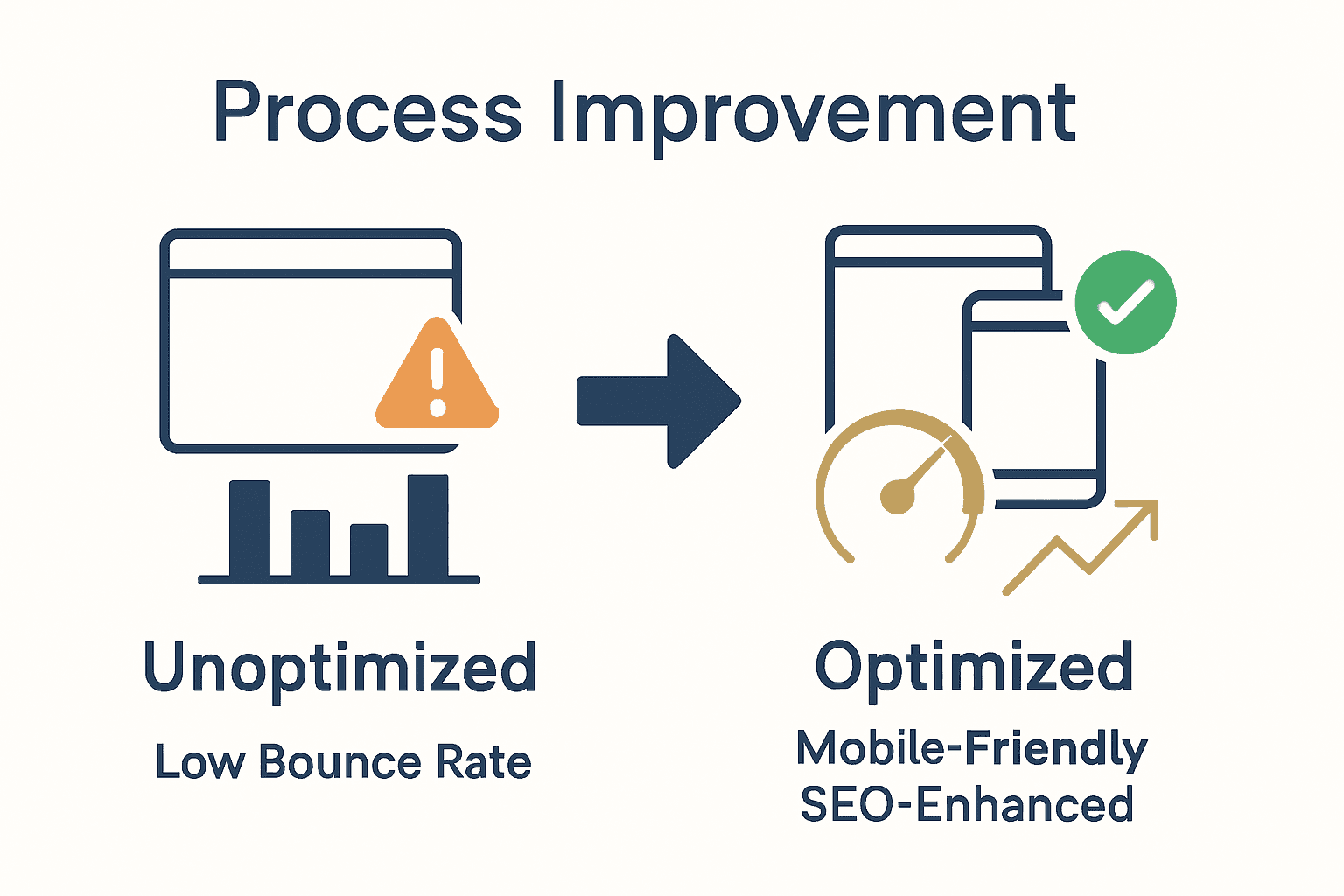
Step 4: Optimise for SEO and Mobile Responsiveness
Wikipedia defines a comprehensive website audit as an essential evaluation of factors influencing search engine visibility, performance, and traffic patterns. Optimising for SEO and mobile responsiveness requires a strategic approach that ensures your website performs effectively across all digital platforms and attracts your target audience.
Begin by assessing your website’s mobile performance using tools like Google Mobile Friendly Test. According to Wikipedia, a thorough content audit involves examining the quality and relevance of your website content to support optimal search engine optimization. Focus on creating responsive design elements that automatically adjust to different screen sizes, ensuring seamless user experience on smartphones, tablets, and desktop computers.
Implement key SEO strategies by optimising your content with relevant keywords, creating descriptive meta descriptions, and ensuring fast loading speeds. Use compressed images, minimize plugin usage, and leverage browser caching to improve overall website performance. Pay special attention to header tags, internal linking, and creating high-quality, original content that provides genuine value to your readers.
Net Branding recommends developing a comprehensive mobile optimization strategy that goes beyond simple responsiveness. This includes creating touch friendly navigation, ensuring readable font sizes, and eliminating intrusive pop ups that might frustrate mobile users. Conduct regular performance audits to identify and address any potential user experience barriers.
Pro Tip: Use Google Search Console and Google Analytics to track your website’s mobile performance and SEO metrics. These tools provide invaluable insights into user behavior, search rankings, and areas that require improvement.
By methodically optimising your website for SEO and mobile responsiveness, you create a powerful digital presence that attracts, engages, and converts your target audience across all digital platforms.
Step 5: Preview and Publish Content Changes
WordPress Learn provides critical guidance on effectively previewing and publishing content changes, ensuring your website updates are implemented professionally and accurately. This step represents the final stage of your content update process where careful review and strategic publishing will bring your website improvements to life.
Before publishing, utilize the WordPress Preview function to meticulously review your content changes. According to WordPress Learn, the dashboard offers comprehensive tools for managing the visibility of posts and pages. Take time to examine formatting, image placement, text alignment, and overall visual presentation across different device screens to ensure a seamless user experience.
When you are satisfied with your content preview, select the appropriate publishing options. Choose between immediate publication, scheduled posting, or saving as a draft depending on your content strategy. Pay special attention to visibility settings, ensuring the content is set to public or restricted based on your specific requirements. Double check metadata, tags, and categories to support optimal search engine indexing.
Net Branding recommends creating a consistent content publishing workflow. This includes having a second team member review changes, checking links and formatting one final time, and ensuring the content aligns with your overall brand messaging and marketing objectives.
Pro Tip: Always keep a backup of your original content before making significant changes. This provides a safety net and allows you to revert modifications if unexpected issues arise during the publishing process.
By methodically previewing and publishing your content changes, you maintain a professional, dynamic website that effectively communicates your brand message and provides valuable information to your audience.
Step 6: Verify Functionality and Content Accuracy
University of Edinburgh provides crucial guidelines for evaluating website content, highlighting the critical importance of verifying functionality and accuracy to maintain your digital presence’s reliability and credibility. This comprehensive verification process ensures that your recent website updates deliver a seamless and professional user experience.
According to Wikipedia, a thorough website audit involves systematically evaluating site structure, performance, and content precision. Begin by conducting a comprehensive review across multiple devices and browsers. Check all hyperlinks to confirm they direct users to the correct pages, verify that images load correctly, and ensure that interactive elements like forms and buttons function as intended.
Focus on content accuracy by reviewing text for grammatical errors, outdated information, and consistency with your current business messaging. Verify that contact details, pricing information, service descriptions, and company credentials are current and aligned with your latest offerings. Pay special attention to technical elements such as page loading speeds, mobile responsiveness, and cross device compatibility.
Net Branding recommends implementing a structured verification process that includes automated testing tools and manual review. Utilize resources like Google Search Console to identify potential technical issues, and consider conducting user experience testing to gain insights from external perspectives.
Pro Tip: Create a comprehensive checklist for website verification that includes technical functionality, content accuracy, visual consistency, and user experience elements. This systematic approach ensures no critical details are overlooked during the review process.
By meticulously verifying functionality and content accuracy, you demonstrate a commitment to professionalism and quality that builds trust with your audience and strengthens your online brand reputation.
Take Control of Your Website Updates for Business Growth
Updating your website content can be challenging when you struggle with maintaining accuracy, engaging your audience, or optimising for search engines and mobile devices. This article highlights the importance of a strategic approach including content audits, effective use of the WordPress Dashboard, SEO optimisation, and thorough testing to keep your site fresh and relevant. If you want to avoid the frustration of outdated pages and low website performance, taking decisive steps is essential.

Discover how ResponsiveWebsiteDesign can help you overcome these hurdles with expert WordPress design, ongoing website management, and SEO-focused updates tailored for New Zealand businesses. Whether you need a full website redesign or focused improvements to boost visibility through proven SEO strategies, our team supports you every step of the way. Act now to partner with a digital agency that puts your business objectives first and transforms your online presence into a true asset.
Frequently Asked Questions
How can I assess my current website content for improvement?
Start by conducting a content audit to evaluate existing materials. Create a detailed inventory spreadsheet to track each page’s URL, title, and performance metrics like page views and bounce rates.
What should I include in my content preparation checklist?
Your checklist should consist of tasks such as writing and editing your content, selecting high-quality images, and ensuring keyword optimization. Consider adding steps like crafting meta descriptions and checking that your content aligns with your overall marketing strategy.
How do I optimise my website content for SEO?
Focus on incorporating relevant keywords throughout your content, crafting descriptive meta descriptions, and ensuring fast loading speeds. Aim to create thumb-stopping titles and headings that enhance both readability and search engine ranking.
What steps can I take to verify my website’s functionality after updates?
Conduct a thorough review across various devices and browsers to ensure everything functions properly. Verify links, test forms, and check that images load correctly to deliver a seamless user experience.
How should I use the WordPress Dashboard to make updates?
Familiarise yourself with the Dashboard to manage posts, pages, and media easily. Access specific posts or pages through the Sidebar Menu, and use the visual editor to make necessary content changes efficiently.
What is the final step after making content updates on my website?
After making changes, use the Preview function to review how your content appears before publishing. Once satisfied, choose the appropriate publishing options and ensure that all metadata and visibility settings are correct.
Recommended
- Why Update Your Website: Complete Guide for 2025 – ResponsiveWebsiteDesign
- Website Maintenance Checklist for Business Success – ResponsiveWebsiteDesign
- Website Maintenance Explained: Complete Business Guide – ResponsiveWebsiteDesign
- How to Improve User Experience for Business Websites – ResponsiveWebsiteDesign