
Struggling to make your website truly accessible can feel daunting for small to medium-sized businesses in New Zealand. When you rely solely on automated checks, hidden usability issues often slip through unnoticed, affecting users with disabilities. The most effective accessibility solutions combine machine-driven scans and real person testing, as recommended by experts from Harvard and Yale. Discover how a balanced approach delivers lasting improvements in inclusive digital design for compliance, better user experiences, and broader market reach.
Table of Contents
- Step 1: Assess Your Current Website Accessibility
- Step 2: Implement Accessible Website Design Features
- Step 3: Optimise Media and Interactive Elements
- Step 4: Validate Accessibility With Tools and User Testing
- Step 5: Maintain Accessibility Through Ongoing Updates
Quick Summary
| Key Insight | Explanation |
|---|---|
| 1. Regularly assess website accessibility | Conduct ongoing evaluations using automated tools and manual testing to identify accessibility barriers for all users. |
| 2. Implement accessible design features | Prioritise high contrast, legible typography, and keyboard navigability to enhance usability for users with diverse abilities. |
| 3. Optimise media and interactive elements | Ensure all media has captions and transcripts; interactive elements must be accessible via keyboards and screen readers. |
| 4. Validate accessibility with diverse testing | Combine automated scans with user testing involving individuals with disabilities to uncover nuanced accessibility issues. |
| 5. Maintain continuous accessibility updates | Establish a routine for regular audits and updates to keep your website compliant with evolving accessibility standards. |
Step 1: Assess your current website accessibility
Website accessibility begins with a comprehensive evaluation of your existing digital platform. Understanding how users with diverse abilities interact with your website is crucial for creating an inclusive online experience.
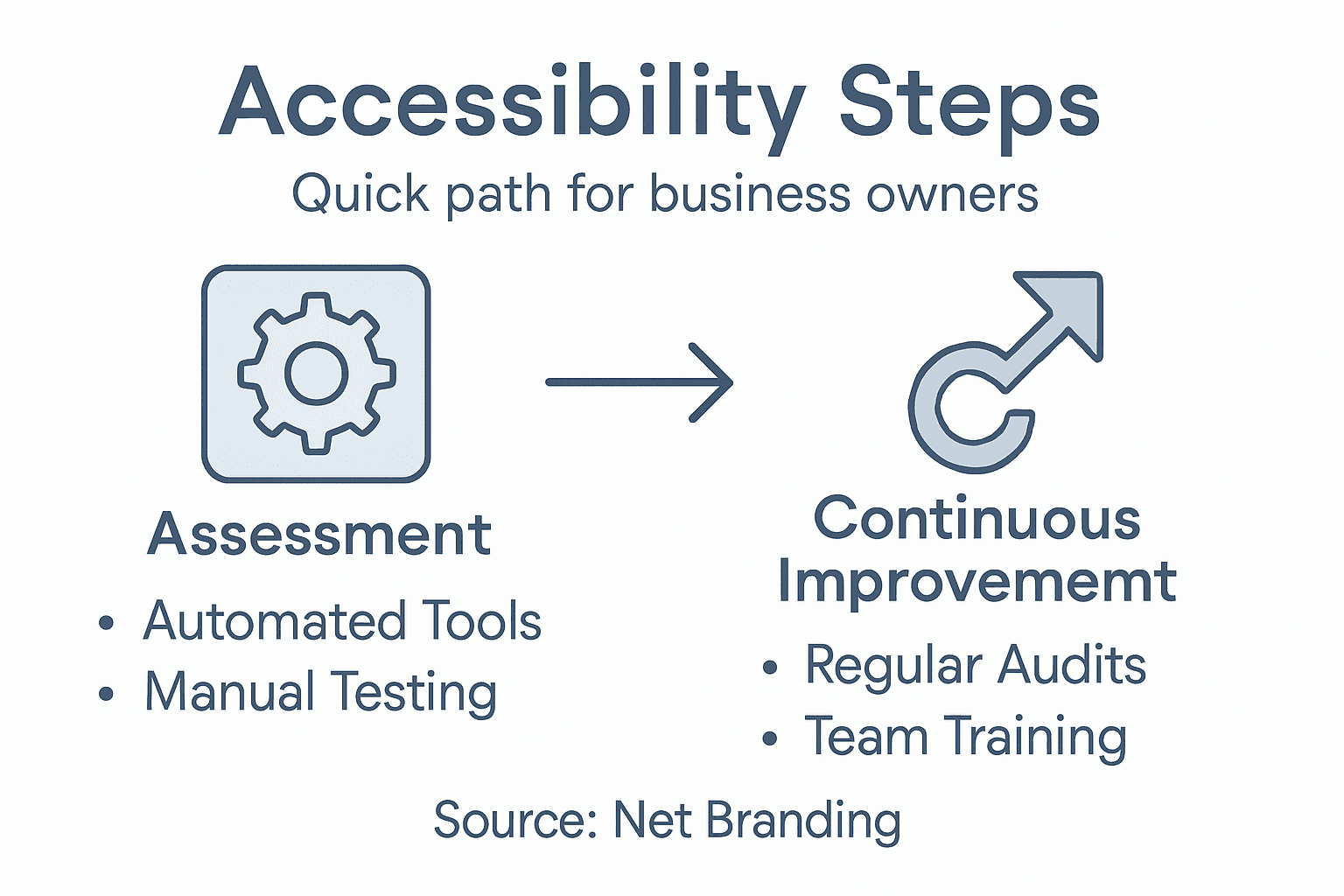
To conduct a thorough accessibility assessment, you’ll want to leverage both automated tools and manual testing techniques. Accessibility testing methods recommended by digital experts involve a multi-step approach:
- Run automated accessibility scanning tools
- Perform manual keyboard navigation checks
- Test with screen readers
- Review colour contrast and visual design
- Evaluate mobile responsiveness
Automated tools can quickly identify code-level issues, flagging potential barriers like missing alt text, improper heading structures, and colour contrast problems. These tools provide immediate insights into areas requiring improvement.
Manual testing allows you to experience your website from different user perspectives. By navigating your site using only a keyboard or testing with screen reading software, you’ll discover nuanced accessibility challenges that automated tools might miss.
Here’s how manual and automated accessibility testing compare:
| Aspect | Manual Testing | Automated Tools |
|---|---|---|
| Type of Issues Found | User experience challenges | Code-level accessibility errors |
| Required Expertise | Human judgement and empathy | Technical knowledge of standards |
| Speed of Execution | Slower, detailed review | Fast, broad scanning |
| Best Use Case | Identifying nuanced issues | Detecting widespread errors quickly |
| Limitation | May miss hidden code errors | Misses user interaction challenges |
Accessibility is not a one-time task but an ongoing commitment to inclusive digital design.
Net Branding recommends business owners approach website accessibility as a continuous improvement process, regularly reviewing and updating their digital platforms to ensure maximum inclusivity.
Pro tip: Consider engaging users with disabilities during your testing process to gain authentic insights into potential navigation challenges.
Step 2: Implement accessible website design features
Creating an accessible website requires thoughtful design strategies that accommodate users with diverse abilities. Accessible design principles emphasise creating digital experiences that are perceivable, operable, and inclusive for everyone.
Key accessible design features include:
- Maintaining high colour contrast ratios
- Using clear and legible typography
- Providing alternative text for images
- Ensuring keyboard navigability
- Designing consistent page layouts
- Implementing scalable text options
- Creating descriptive link texts
Prioritising visual legibility involves selecting fonts and colour schemes that remain readable across different devices and visual capabilities. For instance, using sans-serif fonts with adequate sizing and ensuring sufficient contrast between text and background colours can dramatically improve readability for users with visual impairments.
Accessibility is about creating digital experiences that work for everyone, regardless of their abilities.
Net Branding recommends adopting the Web Content Accessibility Guidelines as a comprehensive framework for inclusive design. These guidelines provide structured recommendations for developing websites that are perceivable, operable, understandable, and robust.

Pro tip: Test your website’s accessibility using multiple screen readers and assistive technologies to gain comprehensive insights into potential user experience barriers.
Step 3: Optimise media and interactive elements
Ensuring your website’s media and interactive components are universally accessible is crucial for creating an inclusive digital experience. Accessible digital tools require strategic design that accommodates users with diverse abilities.
Key strategies for media and interactive element optimisation include:
- Adding captions to all video content
- Providing audio transcripts
- Ensuring keyboard navigability for interactive elements
- Creating descriptive alternative text for images
- Implementing clear focus states for interactive controls
- Designing compatibility with screen reading technologies
- Maintaining consistent interaction patterns
Optimising multimedia accessibility involves more than simply adding captions. You need to consider how users with different abilities interact with your content. For example, video players should have controls that are operable through keyboard navigation and provide comprehensive audio descriptions for visually impaired users.
Accessibility is not an afterthought but a fundamental design principle that ensures digital inclusivity.
Net Branding recommends following Web Content Accessibility Guidelines to comprehensively address interactive element design. These guidelines provide a structured approach to creating digital experiences that work for everyone.
Pro tip: Conduct regular accessibility audits using assistive technologies to continuously improve your website’s interactive experience.
Step 4: Validate accessibility with tools and user testing
Validating website accessibility requires a comprehensive approach that combines automated scanning and human-centric testing methods. Accessibility validation strategies involve multiple assessment techniques to uncover potential barriers for users with diverse abilities.
Critical validation steps include:
- Running automated accessibility scanning tools
- Performing manual keyboard navigation tests
- Testing with screen reader technologies
- Conducting user testing with individuals with disabilities
- Reviewing WCAG compliance checklist
- Checking colour contrast ratios
- Verifying alternative text descriptions
Comprehensive testing goes beyond automated tools. While digital scanning platforms can quickly identify technical issues, they cannot fully replicate the nuanced user experience. Engaging real users with different abilities provides invaluable insights into potential navigation challenges and interaction barriers.
Effective accessibility validation requires both technological assessment and human perspective.
Net Branding recommends multi-method accessibility testing that integrates automated scanning, manual review, and direct user feedback. This holistic approach ensures your digital platform remains inclusive and user-friendly.
Pro tip: Create a recurring accessibility audit schedule to continuously monitor and improve your website’s usability for all users.
Step 5: Maintain accessibility through ongoing updates
Ensuring your website remains accessible is a continuous process that demands consistent attention and strategic planning. Accessibility maintenance practices involve integrating digital inclusivity into every stage of your website’s lifecycle.
Key ongoing maintenance strategies include:
- Scheduling regular accessibility audits
- Updating content with inclusive language
- Reviewing and testing new website features
- Training staff on accessibility standards
- Monitoring technological changes
- Updating assistive technology compatibility
- Documenting accessibility improvements
Proactive accessibility management requires more than periodic checks. Your digital platform should evolve continuously, adapting to emerging technologies and changing user needs. This means regularly reviewing your website’s design, functionality, and content to ensure ongoing compliance with the latest Web Content Accessibility Guidelines.
Accessibility is a journey of continuous improvement, not a destination to be reached.
Net Branding recommends developing sustainable accessibility processes that integrate inclusive design principles into your standard website maintenance workflow. This approach helps prevent accessibility decay and demonstrates your commitment to digital inclusivity.
Below is a summary of accessibility maintenance responsibilities:
| Role | Key Responsibility | Business Benefit |
|---|---|---|
| Web Administrator | Schedule regular audits | Ensures ongoing compliance |
| Content Editor | Use inclusive language | Improves user engagement |
| Designer | Update visual elements for accessibility | Enhances brand reputation |
| Developer | Test new features for accessibility | Prevents costly future rework |
| Staff Trainer | Provide accessibility education | Builds organisational capacity |
Pro tip: Create a dedicated accessibility checklist and assign responsibility to a team member to ensure consistent and systematic updates.
Make Your Website Truly Accessible and Engaging Today
Struggling with website accessibility challenges like poor keyboard navigation or inadequate alt text can hold back your business from reaching a wider audience. This article highlights crucial concepts such as the importance of manual testing, following WCAG guidelines, and ongoing accessibility maintenance — all essential to delivering inclusive digital experiences. If you want to transform these insights into a practical, user-friendly website your customers can easily access and engage with, expert assistance is just a click away.

Explore how our tailored WordPress design and development services can help you implement these vital accessibility features effectively. Visit our Website Archives for helpful resources and start with our comprehensive solutions at https://responsivewebsitedesign.co.nz. Ensure your website stands out with enhanced usability, responsiveness, and SEO optimisation tailored specifically for New Zealand businesses. Don’t let accessibility hurdles stop your growth. Partner with us now to build an inclusive online presence designed to support your business objectives and customer needs.
Frequently Asked Questions
How can I assess the current accessibility of my website?
To assess your website’s accessibility, conduct both automated scans and manual testing. Start by running accessibility scanning tools and then perform manual checks using keyboard navigation and screen readers to identify areas for improvement.
What are key features of accessible web design for my business?
Key features of accessible web design include high colour contrast ratios, clear typography, and alternative text for images. Prioritise these aspects in your design to ensure your website is easy to use for everyone, particularly those with disabilities.
How can I optimise multimedia content for accessibility?
Optimise multimedia content by adding captions to videos, providing audio transcripts, and ensuring all interactive elements are navigable via keyboard. Implement these strategies to make your digital content accessible to a wider audience.
What steps should I take to validate the accessibility of my website?
To validate your website’s accessibility, combine automated scanning tools with user testing involving individuals with disabilities. Conduct these assessments regularly to uncover potential barriers and make necessary adjustments to enhance user experience.
How can I maintain website accessibility over time?
Maintain website accessibility by scheduling regular audits, updating content with inclusive language, and training your team on accessibility standards. Establish a recurring schedule, aiming for at least quarterly reviews, to ensure your site remains user-friendly and compliant.
What roles should be assigned to ensure ongoing accessibility?
Assign specific roles, such as a Web Administrator for audit scheduling and a Designer for updating visual elements. Clearly define responsibilities to create an effective team dedicated to maintaining accessibility, which can improve overall user engagement.
Recommended
- Web Usability: Boosting Engagement and Sales – ResponsiveWebsiteDesign
- How to Improve User Experience for Business Websites – ResponsiveWebsiteDesign
- How to Choose Website Layouts for Business Success – ResponsiveWebsiteDesign
- Website Maintenance Checklist for Business Success – ResponsiveWebsiteDesign