
Nearly 90 percent of users say they abandon websites after a single poor experience. For businesses, this means every design decision can make or break a first impression. A thoughtful approach to user experience not only keeps visitors engaged but also drives real results. If you want to create a website that delights users and supports your goals, you need practical steps that tackle issues from the ground up.
Table of Contents
- Step 1: Assess Current User Experience Issues
- Step 2: Define User-Centric Website Goals
- Step 3: Redesign Navigation and Layout for Clarity
- Step 4: Optimize Performance and Mobile Responsiveness
- Step 5: Test and Refine User Interactions
Quick Summary
| Key Point | Explanation |
|---|---|
| 1. Assess User Experience Data | Use various methods like analytics and user interviews to identify issues in user experience. |
| 2. Define User-Centric Goals | Create specific website goals based on user personas and needs rather than internal assumptions. |
| 3. Redesign for Clear Navigation | Simplify navigation to enhance user clarity and reduce cognitive load across devices. |
| 4. Optimize for Performance and Mobile | Ensure fast loading times and mobile responsiveness through proper audits and design strategies. |
| 5. Continuously Test Interactions | Regularly conduct user testing to refine site interactions and meet evolving user expectations. |
Step 1: Assess Current User Experience Issues
Understanding and evaluating your current website’s user experience is crucial for identifying areas of improvement. In this step, you will systematically analyze how users interact with your website and pinpoint potential friction points that could be hindering their journey.
Begin by gathering comprehensive data through multiple assessment methods. According to research from arxiv.org, traditional post hoc surveys can provide valuable insights, but they should not be your only evaluation technique. Consider implementing more nuanced approaches like Retrospective Think Aloud (RTA) protocols, which arxiv.org suggests can significantly enhance issue identification.
Your assessment toolkit should include quantitative and qualitative methods. Start with web analytics to understand user behavior patterns like bounce rates, time on page, and navigation paths. Supplement this with user session recordings, heatmaps, and click tracking to visualize actual user interactions. Conduct user interviews or usability testing to gain deeper qualitative insights into user frustrations and experience gaps.
Warning: Avoid making assumptions about user experience. What seems intuitive to you might be confusing for your target audience. Always base your improvements on actual user data and feedback.
By systematically assessing your current user experience, you will create a solid foundation for targeted website improvements that directly address real user needs. What Is User Experience? Complete Business Guide can provide additional context for understanding these evaluation techniques in more depth.
Step 2: Define User-Centric Website Goals
Defining clear user-centric website goals transforms your digital presence from a generic online platform to a strategic business tool that directly meets your audience’s needs. This step involves understanding your users more deeply than ever before and aligning your website objectives with their genuine expectations and preferences.
According to research from hcis-journal, developing user-centric systems requires capturing user preferences through comprehensive contextual analysis. Drawing from je-lks insights on Donald Norman’s design principles, your website goals should focus on making actions visible and following natural user interaction mappings.
Start by creating detailed user personas representing your target audience. Consider their demographic information, online behaviors, pain points, and primary motivations. Map out specific user journeys that outline how different visitor segments might interact with your website. For each persona, define precise goals such as information gathering, product purchase, service inquiry, or resource download.
Warning: Avoid creating goals based on internal assumptions. Always validate your objectives through actual user research, analytics data, and direct customer feedback.
By meticulously defining user-centric website goals, you create a purposeful digital strategy that resonates with your audience.
 7 Essential User Experience Tips for Business Websites can provide additional guidance on implementing these insights effectively.
Step 3: Redesign Navigation and Layout for Clarity
Transforming your website’s navigation and layout is critical for creating an intuitive and user-friendly digital experience that guides visitors effortlessly through your content. In this step, you will strategically restructure your website to enhance user understanding and reduce cognitive load.
According to en.wikipedia.org, web usability principles emphasize the importance of clear navigation and layout in enhancing user experience across different devices. Complementing this, research from arxiv.org suggests using iterative design tools that provide real-time feedback to continuously improve your interface.
Begin by conducting a comprehensive content audit. Organize your website’s information hierarchy logically, ensuring that menu items are descriptive and follow a natural progression. Group related content together and use clear, concise labels that immediately communicate the purpose of each section. Consider implementing a flat navigation structure where users can reach any page within three clicks, reducing complexity and frustration.
Warning: Avoid overcrowding your navigation menu. Too many options can overwhelm users and decrease the likelihood of them finding what they need. Prioritize clarity and simplicity.
As you redesign, remember that your navigation should work seamlessly across all devices.
What Is Responsive Design? Complete Guide Explained can provide additional insights into creating a consistently accessible user experience.
Step 4: Optimize Performance and Mobile Responsiveness
Ensuring your website performs seamlessly across all devices is crucial for delivering an exceptional user experience that keeps visitors engaged and converts potential customers. In this step, you will focus on transforming your website into a lightning fast mobile responsive powerhouse that adapts effortlessly to different screen sizes and user needs.
According to en.wikipedia.org, optimizing web performance is fundamental to providing a seamless user experience across various devices. en.wikipedia.org further emphasizes the importance of creating user-centered digital products that prioritize performance and mobile responsiveness.
Begin by conducting a comprehensive performance audit using tools like Google PageSpeed Insights. Compress and optimize images, leverage browser caching, minimize server response times, and eliminate render-blocking resources. Implement responsive design techniques that automatically adjust layout and content based on screen size. Use flexible grid systems, responsive images, and media queries to ensure your website looks and functions perfectly on smartphones, tablets, and desktop computers.
Warning: Mobile responsiveness is not just about scaling down content. It requires thoughtful redesign that considers touch interactions, simplified navigation, and prioritized content for smaller screens.
To take your mobile optimization to the next level, Responsive Design Tutorial: Build Mobile-Friendly Websites can provide advanced strategies for creating truly adaptive web experiences.
Step 5: Test and Refine User Interactions
Refining your website’s user interactions is a critical process that transforms good design into an exceptional digital experience. In this step, you will systematically evaluate and improve how users engage with your website to create intuitive and satisfying interactions.
Research from arxiv.org introduces the XAI Experience Quality Scale, which provides a robust framework for evaluating user-centered experiences. Complementing this approach, en.wikipedia.org offers insights through the Questionnaire for User Interaction Satisfaction, a tool designed to assess subjective user experiences with digital interfaces.
Implement a comprehensive testing strategy that combines quantitative and qualitative methods. Utilize tools like heat mapping, session recordings, and A B testing to understand user behavior. Conduct usability testing with real users, gathering feedback on navigation, button placement, form interactions, and overall site responsiveness. Pay special attention to interaction elements such as hover states, click feedback, form validation, and loading animations that contribute to a smooth user experience.
Warning: User testing is not a one-time event. Continuous iteration and refinement are key to maintaining an optimal user interaction design that adapts to changing user expectations and technological advances.
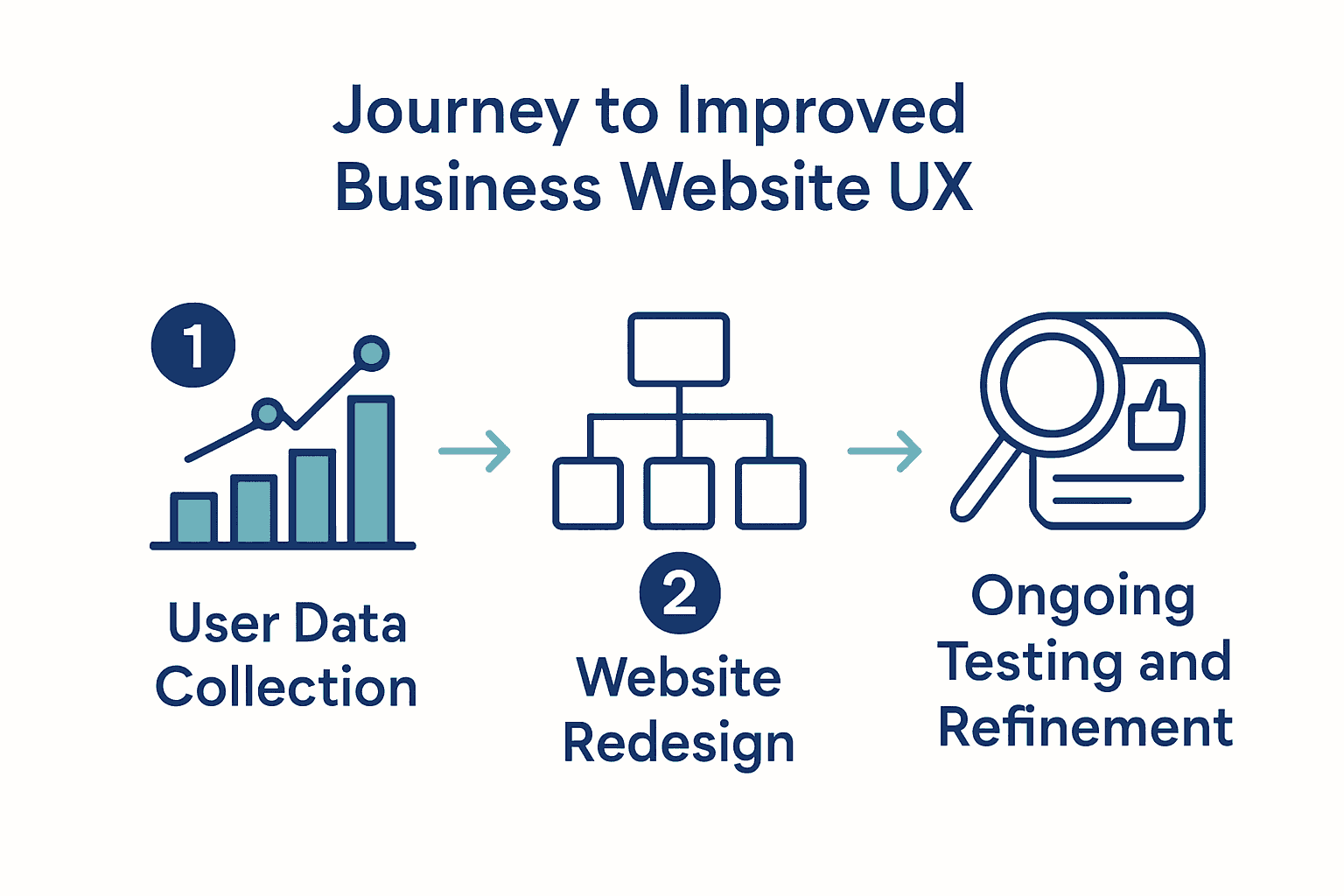
To deepen your understanding of user interaction testing, 7 Essential User Experience Tips for Business Websites provides additional strategies for creating engaging digital experiences.
Boost Your Business Website With Expert User Experience Solutions
Struggling to turn visitors into loyal customers? This article highlights the key challenges that businesses face when improving user experience such as unclear navigation, slow mobile responsiveness, and lack of user-centric design. These issues can leave your website feeling confusing and frustrating for your visitors, holding back your business growth. If you want to move beyond guessing what works and create a site that truly connects with your audience and drives results, it is time to take action.

Discover how our team at ResponsiveWebsiteDesign specialises in creating visually engaging, SEO-optimised, and highly responsive WordPress websites tailored for New Zealand businesses. From custom development to ongoing maintenance, we focus on building clear navigation systems, optimising mobile performance, and aligning your website goals with real user needs. Explore our insights in the Website Archives and deepen your understanding of practical improvements with expert SEO strategies in the SEO Archives. Don’t let poor user experience hold your business back. Partner with us today to turn your website into a powerful asset that truly serves your customers and drives your success.
Frequently Asked Questions
What steps should I take to assess user experience issues on my business website?
Begin by gathering data through web analytics and user session recordings to identify user behavior patterns. Additionally, conduct user interviews to gain insights into user frustrations and experience gaps, ensuring you have both quantitative and qualitative feedback to drive improvements.
How can I define user-centric website goals for my business?
Create detailed user personas that reflect your target audience, including their demographics, behaviors, and needs. From there, map out user journeys and set specific goals for each persona, such as informing customers, facilitating purchases, or helping users download resources.
What are effective strategies for redesigning my website’s navigation?
Start by conducting a content audit to organize your information hierarchy logically, ensuring clear and descriptive menu items. Aim for a flat navigation structure that allows users to reach desired pages within three clicks, prioritizing simplicity and clarity to enhance user experience.
How do I optimize my business website for better performance and mobile responsiveness?
Focus on performing a thorough performance audit to identify areas for improvement, such as compressing images and optimizing loading times. Implement responsive design techniques that adapt your site for various screen sizes, ensuring a seamless experience across devices.
What methods can I use to test and refine user interactions on my website?
Utilize tools like heat mapping and A/B testing to evaluate how users engage with your site. Conduct usability testing with real users to gather feedback on navigation and interaction elements, allowing for continuous refinement to better meet user expectations.
Recommended
- What Is User Experience? Complete Business Guide – ResponsiveWebsiteDesign
- 7 Essential User Experience Tips for Business Websites – ResponsiveWebsiteDesign
- What Is E-Commerce UX? Complete Expert Overview – ResponsiveWebsiteDesign
- Master Mobile-Friendly Website Workflow for Business Growth – ResponsiveWebsiteDesign