Over 80 percent of australian consumers research mechanics online before deciding where to book a service. If your business website fails to grab attention or lacks important features, you lose valuable customers to competitors in seconds. Building a mechanic website that not only looks great but functions smoothly can be the turning point for your automotive business. In the steps ahead, you will learn how to plan, design, and optimise a website that turns visitors into loyal customers.
Table of Contents
- Step 1: Define Website Goals And Essential Features
- Step 2: Select And Set Up A WordPress Hosting Solution
- Step 3: Customise Your Mechanic Website Design And Layout
- Step 4: Integrate Booking, Contact, And Ecommerce Functions
- Step 5: Optimise For Seo And Mobile Responsiveness
- Step 6: Test And Launch Your Mechanic Website
Quick Summary
| Key Insight | Explanation |
|---|---|
| 1. Define clear website goals | Establish primary objectives such as attracting customers and showcasing services to enhance user experience and conversion rates. |
| 2. Choose the right hosting | Select a reliable WordPress hosting provider that ensures performance, security, and support tailored for automotive services. |
| 3. Customise design for usability | Create an intuitive layout that reflects your brand and enhances navigation, making it easy for customers to find information and book services. |
| 4. Integrate essential functions | Implement booking, contact, and payment features using user-friendly plugins to facilitate customer interactions and streamline business operations. |
| 5. Optimise for SEO and mobile | Focus on mobile responsiveness and SEO strategies to improve search engine visibility and provide a seamless user experience across devices. |
Step 1: Define website goals and essential features
Building a successful mechanic website requires strategic planning and clear objectives. According to research from arxiv, small business managers need a decision support system that helps select website features aligning with consumer preferences to enhance online sales.
Starting with comprehensive goal setting is crucial for your mechanic business website. Your primary objectives might include attracting potential customers, showcasing your technical expertise, displaying service offerings, and enabling online booking or quote requests. Each goal should directly connect to solving customer pain points and demonstrating your professional capabilities.
Essential features for a mechanic website typically involve a clean, professional design that communicates trust and competence. This means incorporating elements like service descriptions, transparent pricing information, customer testimonials, detailed contact information, and a responsive mobile design. Website governance principles emphasise establishing policies that ensure your site’s content and functionality consistently meet organisational goals and user needs.
Consider implementing features such as:
- Online service booking system
- Detailed service menu with pricing
- Staff and expertise introduction section
- Customer review integration
- Mobile responsive design
- Clear call to action buttons
By thoughtfully defining your website goals and selecting strategic features, you create a powerful digital platform that transforms website visitors into loyal automotive service customers.
FAQs:
Q: How long does it take to build a mechanic website?
A: Typically 4-6 weeks depending on complexity and features.
Q: What is the average cost for a mechanic website in NZD?
A: From $2,500 for a professional custom design.
Q: Do I need technical skills to manage my website?
A: No. Most modern websites include user friendly content management systems.
Step 2: Select and set up a WordPress hosting solution
Choosing the right WordPress hosting solution is critical for your mechanic website’s performance and reliability. Recent research from arxiv highlights the importance of deploying scalable and cost effective hosting platforms that support organisational communication frameworks.
When selecting a hosting provider, mechanics should prioritise performance, security, and WordPress specific features. WordPress hosting options like managed WordPress hosts provide specialised services tailored to WordPress websites. As Wikipedia notes, some providers offer automatic updates and enhanced security measures which are crucial for maintaining a professional online presence.
Consider these key factors when evaluating hosting solutions:
- Server reliability and uptime guarantees
- WordPress specific security features
- Scalability for future business growth
- Technical support availability
- Website loading speed
- Cost effectiveness
Your hosting choice will directly impact website performance, so research thoroughly and select a provider that understands the unique needs of automotive service businesses.
Prioritise providers offering robust WordPress optimisation and responsive customer support.
FAQs:
Q: How much should I budget for WordPress hosting?
A: From $15 per month for reliable small business hosting.
Q: Can I migrate my existing website?
A: Most hosting providers offer free migration services.
Q: Do I need technical skills to manage WordPress hosting?
A: No. Modern hosting platforms include user friendly management interfaces.
Step 3: Customise your mechanic website design and layout
Customising your mechanic website design requires strategic thinking and a focus on user experience. Web usability principles emphasise creating websites that are easy to navigate and efficient, ensuring potential customers can accomplish tasks effectively and satisfactorily.
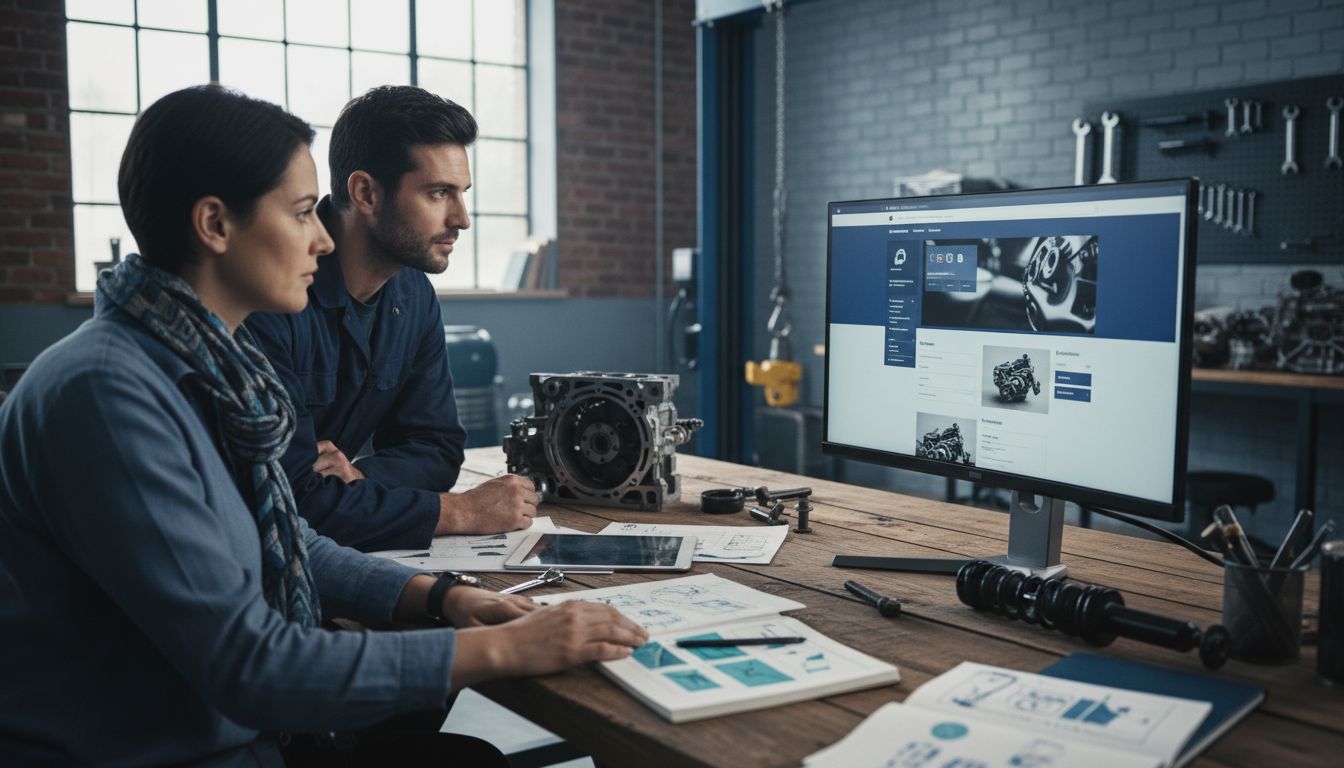
Starting with a professional website design guide for builders, focus on creating a layout that reflects your automotive service brand. Your website design should communicate professionalism, technical expertise, and trustworthiness. Incorporate visual elements that resonate with automotive customers such as clean lines, mechanical imagery, and a colour palette that suggests precision and reliability.
Consider these critical design customisation elements:
- Clear service menu with professional typography
- High quality images of your workshop and team
- Prominent contact information
- Easy to use navigation menu
- Mobile responsive layout
- Testimonial section with customer reviews
Choose a WordPress theme that allows extensive customisation and aligns with your mechanical business aesthetic. Pay special attention to creating intuitive user pathways that guide potential customers towards booking services or making enquiries.
FAQs:
Q: How long does website design customisation take?
A: Typically 2-3 weeks for a professional mechanic website.
Q: Can I update the design myself?
A: Yes. Modern WordPress themes include user friendly customisation options.
Q: What makes a mechanic website design effective?
A: Clear services, professional imagery, and easy navigation are key elements.
Step 4: Integrate booking, contact, and ecommerce functions
Integrating essential digital functions into your mechanic website requires strategic planning and selecting the right WordPress plugins. Web hosting providers like Bluehost offer robust platforms that support seamless integration of booking, contact, and ecommerce functionalities for automotive service businesses.
To create a comprehensive online service platform, focus on implementing user friendly plugins that enhance customer interaction. Ecommerce integration guides recommend selecting tools that streamline appointment scheduling, enable online quote requests, and facilitate potential parts or service sales. Consider WordPress plugins specifically designed for automotive service businesses that allow customers to book services, request quotes, and potentially purchase automotive parts directly through your website.
Key integration elements to consider:
- Online booking calendar system
- Customisable contact forms
- Secure payment gateway integration
- Service pricing display options
- Automated email confirmation systems
- Mobile responsive booking interface
Ensure your chosen plugins are compatible with your WordPress theme and provide a smooth, professional user experience. Test all functions thoroughly to guarantee customers can easily interact with your automotive service platform.
FAQs:
Q: How much do booking plugins cost?
A: From $50 per year for professional WordPress plugins.
Q: Can I customise my booking system?
A: Yes. Most modern plugins offer extensive customisation options.
Q: Are these integrations secure?
A: Reputable plugins include robust security features to protect customer data.
Step 5: Optimise for SEO and mobile responsiveness
Optimising your mechanic website for search engines and mobile devices is crucial for attracting and retaining potential customers. Web usability principles emphasise designing websites that are accessible, efficient, and provide seamless user experiences across multiple devices.
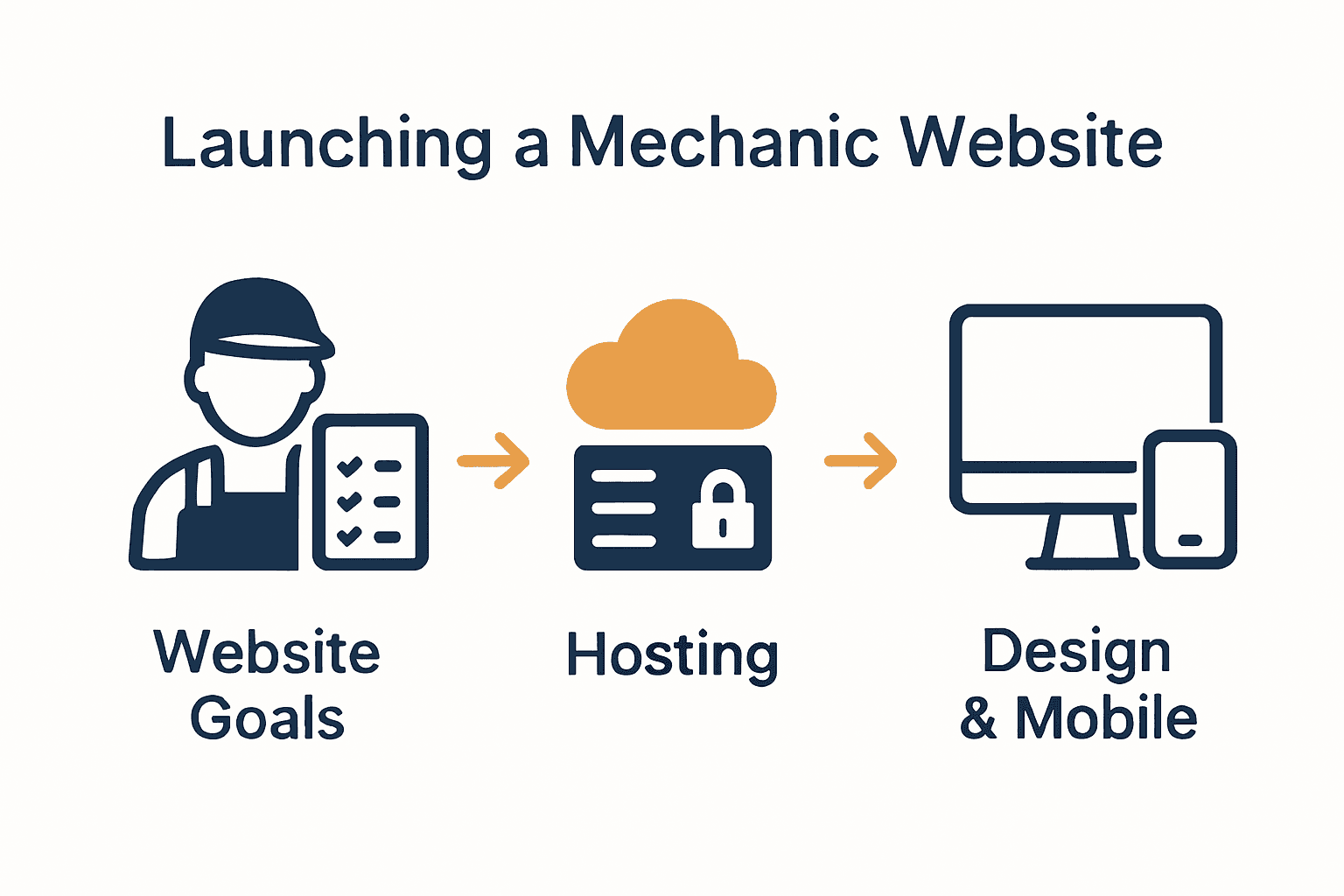
Implementing a responsive design tutorial will help you create a mobile responsive website that adapts perfectly to smartphones, tablets, and desktop computers. Focus on technical elements that improve search engine visibility and user engagement, such as fast loading times, clean navigation, and mobile friendly content structures.
Key SEO and mobile optimisation strategies include:
- Compress and optimise image file sizes
- Use responsive WordPress themes
- Implement schema markup for automotive services
- Create mobile friendly menu structures
- Improve page loading speed
- Write location specific content for local SEO
- Use alt text for images
Remember that mobile responsiveness directly impacts your search engine rankings and user experience.
 Google prioritises websites that perform well on mobile devices, making this optimisation critical for your automotive service business.
FAQs:
Q: How long does SEO optimisation take?
A: From 4 to 8 weeks for comprehensive website optimisation.
Q: Do I need technical skills for SEO?
A: No. Many WordPress plugins simplify SEO implementation.
Q: What impacts mobile responsiveness most?
A: Page loading speed and adaptive design are the most crucial factors.
Step 6: Test and launch your mechanic website
Web usability principles emphasise the critical importance of thoroughly testing websites before launching to ensure they meet user expectations and function seamlessly across different devices. Launching your mechanic website requires a methodical approach to guarantee a professional and reliable online presence.
Before going live, conduct comprehensive testing using a website maintenance checklist to validate every aspect of your digital platform. This process involves rigorous evaluation of functionality, performance, and user experience across multiple devices and browsers.
Critical testing elements to verify:
- Mobile responsiveness on various screen sizes
- Functionality of booking and contact forms
- Payment gateway integration
- Page loading speeds
- Cross browser compatibility
- Link and navigation accuracy
- Security certificate validation
- Content readability and formatting
Professional testing helps prevent potential issues that could compromise your automotive service business’s online reputation. Consider conducting both automated and manual testing to ensure comprehensive website performance.
FAQs:
Q: How long does website testing take?
A: From 3 to 5 days for thorough professional testing.
Q: What if I find issues during testing?
A: Address and resolve issues before official website launch.
Q: Do I need professional testing services?
A: While optional, professional testing can identify subtle technical problems.
Build a Mechanic Website That Drives Success for Your Business
Creating a mechanic website involves more than just design — it requires clear goals like attracting clients, showcasing expertise, and integrating booking systems that work smoothly. If you want to overcome common challenges such as ensuring mobile responsiveness, improving SEO, and securing seamless online bookings, you need expert guidance tailored to your unique needs. Tackling complex features like service menus, customer reviews, and ecommerce should never be a source of stress.

Take control of your online presence today with customised WordPress solutions from ResponsiveWebsiteDesign. We specialise in building responsive, SEO-optimised websites designed for New Zealand businesses focused on automotive services. Whether you are starting fresh or refreshing your current website, our experienced team supports you across every step — from design and development to security and ongoing updates. Explore our insights in the Website Archives and learn how we can help you transform visitors into loyal customers. Start building a professional mechanic website that works for you now by visiting ResponsiveWebsiteDesign.
Frequently Asked Questions
How do I determine the goals for my mechanic website?
To determine your mechanic website’s goals, consider what you want to achieve, such as attracting customers, showcasing services, and enabling online bookings. Start by listing your business objectives and ensure they address your customers’ needs.
What essential features should my mechanic website include?
Your mechanic website should include features like a clear service menu, online booking capabilities, customer testimonials, and contact information. List the features based on your business goals to prioritise functionality that enhances user experience.
How can I optimise my mechanic website for search engines?
To optimise your mechanic website for search engines, focus on strategies like using relevant keywords, implementing schema markup, and improving page loading speed. Aim to conduct SEO optimization within 4 to 8 weeks to enhance visibility and attract more customers.
What steps are involved in testing my mechanic website before launch?
Testing your mechanic website involves checking mobile responsiveness, functionality of booking and contact forms, and ensuring page loading speeds are optimal. Follow a detailed maintenance checklist and complete testing in 3 to 5 days to ensure a smooth launch.
Can I update the content on my mechanic website without technical skills?
Yes, most modern mechanic websites built on user-friendly platforms allow you to update content easily. Familiarise yourself with the content management system to make updates whenever necessary.
Recommended
- Website Design Guide for Builders: Create a Winning Website – ResponsiveWebsiteDesign
- Why Builders Need Websites: Complete Business Guide – ResponsiveWebsiteDesign
- Website Design Guide for Builders: Create a Winning Website – ResponsiveWebsiteDesign
- Jak strona internetowa pomaga lokalnym firmom zdobywać klientów? – lokalne wizytówki pl
- Building a Strong Online Presence: A Step-by-Step Guide for Small Businesses – Digital Marketing Agency – Market Link Solutions