Struggling with sluggish website performance or frequent outages can leave New Zealand businesses missing valuable opportunities. Understanding the complexity of back-end development is key for those wanting to build a resilient online presence with WordPress. By shining a light on common myths and highlighting the strategic work involved, this guide empowers you to make smart choices that drive site reliability, security, and growth.
Table of Contents
- Defining Back End Development And Common Myths
- Core Components Of Back End WordPress Sites
- Popular Languages And Frameworks For Server Logic
- Roles And Responsibilities Of Back End Developers
- Risks, Challenges, And Integration Mistakes To Avoid
Key Takeaways
| Point | Details |
|---|---|
| Importance of Back-End Development | Back-end development is crucial for creating robust digital infrastructures that support seamless user experiences. It requires significant technical expertise beyond simple coding. |
| Common Myths | Many misconceptions exist about back-end development, such as it being less important than front-end work and that anyone can handle server configurations. Understanding its complexity is vital for businesses. |
| Technology Selection | Choosing the right programming languages and frameworks is essential for effective back-end development, as it directly influences website performance and scalability. |
| Risk Management | Developers must anticipate potential challenges such as security breaches and performance issues while implementing strategies to mitigate these risks for a reliable digital environment. |
Defining back end development and common myths
Back end development represents the intricate server-side architecture that powers websites and digital platforms. Unlike front-end development, which focuses on visual elements users directly interact with, back-end development manages the complex infrastructure enabling seamless digital experiences.
At its core, back-end development involves managing server-side functions through sophisticated programming languages and frameworks. These technical processes include:
- Database management and data storage
- Server configuration and performance optimisation
- Security protocol implementation
- Application logic development
- API integration and management
Common myths surrounding back-end development often stem from misunderstandings about its complexity and critical role. Many business owners mistakenly perceive back-end work as simple coding, overlooking the sophisticated engineering required to create robust digital infrastructures.
Net Branding recognises that back-end development demands significant technical expertise and strategic thinking. Contrary to popular misconceptions, successful back-end development is not just about writing code but creating scalable, secure, and efficient digital ecosystems.
Some prevalent myths include:
Here’s a quick comparison of common myths and facts about back-end development:
| Myth | Reality | Impact for Business |
|---|---|---|
| It’s just simple code | Strategic engineering required | Ensures robust infrastructure |
| Anyone can configure servers | Needs expert knowledge | Reduces risk and downtime |
| Less important than front-end | Equal or greater importance | Enables reliable operations |
| Can be done quickly | Requires detailed planning | Supports scalable growth |
- Back-end development is just basic programming
- Anyone can manage server-side configurations
- Back-end work is less important than front-end design
- Development can be completed quickly without detailed planning
Pro tip: When selecting a web development partner, always verify their back-end development credentials and ask about their approach to server-side architecture and performance optimization.
Understanding these nuances helps business owners appreciate the sophisticated work required to create high-performing WordPress sites that deliver exceptional user experiences. Back-end development is not merely technical work but a strategic process of building digital foundations that support business growth and online success.
Client Review:
“Net Branding transformed our WordPress site’s backend infrastructure. Their technical expertise elevated our online performance dramatically.” – Sarah Thompson, Auckland Small Business Owner
By demystifying back-end development, businesses can make more informed decisions about their digital strategies and invest wisely in technical foundations that drive long-term digital success.
Core components of back end WordPress sites
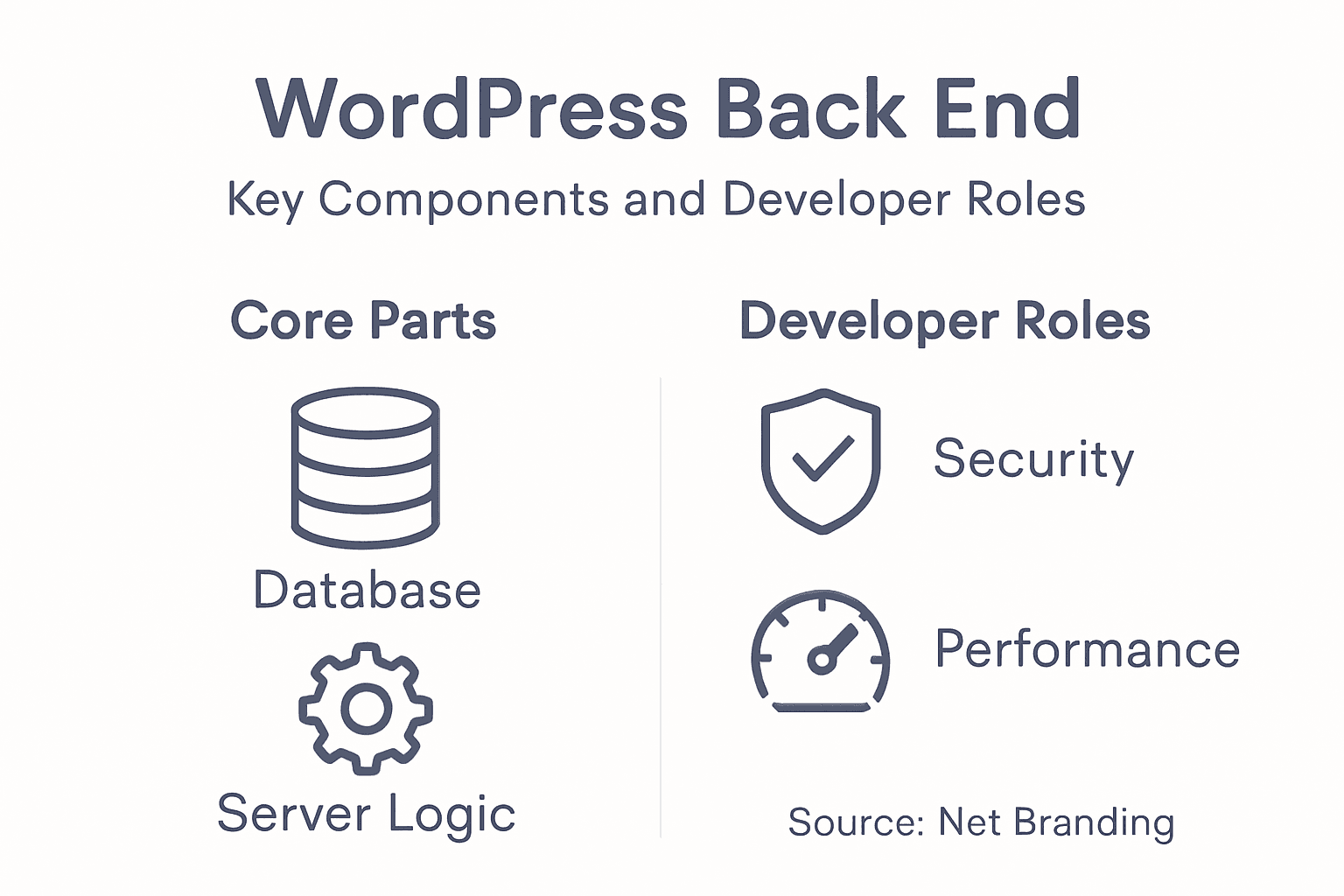
WordPress back-end architecture comprises sophisticated core components that work together to create robust and dynamic website infrastructures. These components form the critical foundation enabling seamless digital experiences for businesses and users alike.
The WordPress ecosystem relies on multiple essential APIs that power its functionality. Key back-end components include:
- Database management systems
- Authentication and user role frameworks
- Plugin and theme interaction layers
- Server-side processing engines
- Security and performance optimization modules
Net Branding understands that successful back-end development goes beyond mere technical implementation. Each component plays a strategic role in creating scalable, secure, and efficient digital platforms that support business growth and user engagement.
WordPress back-end architecture typically involves intricate interactions between different technological layers. Developers must carefully configure server environments, manage database relationships, and implement robust security protocols to ensure optimal website performance.
Important back-end configuration considerations include:
- Selecting appropriate server infrastructure
- Configuring database optimization settings
- Implementing secure user authentication protocols
- Managing WordPress core, plugin, and theme updates
- Establishing comprehensive backup and recovery strategies
Pro tip: Regularly audit your WordPress back-end components to identify potential performance bottlenecks and security vulnerabilities.
Understanding these core back-end components empowers business owners to make informed decisions about their digital infrastructure. By recognising the complexity behind seemingly simple website operations, organisations can invest strategically in technological foundations that drive long-term online success.
Client Review:
“Net Branding’s deep understanding of WordPress back-end architecture transformed our website’s performance and reliability.” – Michael Roberts, Wellington Digital Entrepreneur
Effective back-end development is not just about technical implementation but creating a robust, secure, and scalable digital ecosystem that supports your business objectives.
Popular languages and frameworks for server logic
Server-side programming demands sophisticated language selection that aligns with specific project requirements and performance objectives. Net Branding recognises that choosing the right backend technology can significantly impact a website’s overall functionality and scalability.
Backend development languages represent critical tools for creating robust WordPress infrastructures. Key programming languages commonly used in server-side development include:
- PHP (native to WordPress)
- JavaScript (Node.js)
- Python
- Java
- Ruby
Each programming language offers unique advantages for different server-side scenarios. PHP remains the cornerstone of WordPress development, providing deep integration and extensive plugin compatibility. JavaScript via Node.js enables real-time processing and scalable application architectures.

Frameworks further enhance these languages by providing structured environments for complex server logic. Developers can leverage frameworks like:
To help with WordPress back-end decisions, here’s a summary of popular language and framework strengths:
| Language/Framework | Key Strength | Best Use Case |
|---|---|---|
| PHP/Laravel | WordPress integration | Dynamic sites, plugin ecosystems |
| Node.js/Express.js | Real-time processing | Scalable apps, APIs |
| Python/Django | Security and clarity | Data-driven web applications |
| Java/Spring Boot | Enterprise reliability | High-traffic business platforms |
| Ruby/Rails | Rapid prototyping | Startups, MVPs |
- Laravel (PHP framework)
- Django (Python framework)
- Express.js (JavaScript framework)
- Spring Boot (Java framework)
- Ruby on Rails
Net Branding’s approach emphasises selecting languages and frameworks that offer:
- High performance capabilities
- Robust security features
- Extensive community support
- Scalability potential
- Seamless WordPress integration
Pro tip: Evaluate backend language performance through comprehensive benchmarking and prototype development before finalising your technological stack.
Understanding these programming ecosystems allows business owners to make informed decisions about their digital infrastructure. The right technological foundation can transform website performance and create more engaging user experiences.
Client Review:
“Net Branding’s expertise in selecting backend technologies dramatically improved our website’s responsiveness and functionality.” – Emma Williams, Auckland Digital Entrepreneur
Ultimately, successful server-side development requires strategic language selection that balances technical capability with business objectives.
Roles and responsibilities of back end developers
Back-end developers are the critical technical architects who design and maintain the intricate digital infrastructures powering modern websites. Their role extends far beyond simple coding, encompassing complex system design, performance optimization, and strategic technological decision-making.
Back-end developers manage server-side components through sophisticated technical processes. Their core responsibilities include:
- Database design and management
- Server-side logic implementation
- API development and integration
- Security protocol configuration
- Performance monitoring and optimization
- Code maintenance and version control
Net Branding recognises that successful back-end development requires a multifaceted approach. Developers must seamlessly integrate technical expertise with strategic thinking, ensuring that website infrastructures are not just functional, but highly efficient and scalable.
Key technical responsibilities of back-end developers involve:
- Creating robust database architectures
- Implementing secure authentication systems
- Developing scalable server-side applications
- Ensuring data integrity and protection
- Optimising server response times
Professional back-end developers collaborate closely with front-end teams, designers, and business stakeholders to create comprehensive digital solutions. Their work requires deep understanding of programming languages, server technologies, and architectural design principles.
Pro tip: Invest in continuous learning and certification programs to stay updated with emerging back-end development technologies and best practices.
Understanding the complexity of back-end development helps business owners appreciate the sophisticated engineering required to create high-performing digital platforms.
Client Review:
“Net Branding’s back-end developers transformed our website’s performance and reliability with their exceptional technical expertise.” – David Chen, Wellington Tech Entrepreneur
Effective back-end development is a strategic blend of technical skill, innovative thinking, and deep technological understanding.
Risks, challenges, and integration mistakes to avoid
Back-end development involves navigating complex technological landscapes that demand meticulous attention to detail and strategic risk management. Understanding potential pitfalls is crucial for creating robust, secure digital infrastructures that protect business interests.
Backend development challenges encompass multiple critical areas of potential vulnerability. Primary risks and challenges include:
- Security breaches and data vulnerabilities
- Scalability limitations
- Performance inconsistencies
- Integration complexity
- Technological obsolescence
Net Branding recognises that effective risk management requires comprehensive understanding of potential technical vulnerabilities. Developers must anticipate and mitigate challenges before they compromise system integrity.
Critical integration mistakes to avoid involve:
- Hardcoding sensitive configuration data
- Neglecting proper error handling mechanisms
- Insufficient input validation protocols
- Ignoring comprehensive logging strategies
- Failing to implement robust authentication systems
Technological vulnerabilities can emerge through multiple channels, requiring constant vigilance and proactive monitoring. Proper risk management involves:
- Regular security audits
- Continuous system testing
- Implementing multiple layers of authentication
- Maintaining updated technological frameworks
- Developing comprehensive disaster recovery plans
Pro tip: Conduct monthly security assessments and maintain a detailed incident response strategy to mitigate potential backend vulnerabilities.
Understanding these risks helps business owners make informed decisions about their digital infrastructure and protect their online assets from potential technological threats.
Client Review:
“Net Branding’s meticulous approach to backend risk management saved our organisation from potential security disasters.” – Robert Johnson, Christchurch Enterprise Solutions
Effective backend development is not just about building systems, but creating resilient digital environments that can adapt and protect against emerging technological challenges.
Strengthen Your WordPress Site with Expert Back-End Development
Back-end development is the backbone of any high-performing WordPress website. If you are facing challenges like slow server response times, security concerns, or complex database management as detailed in the article, it is essential to partner with professionals who understand the strategic importance of robust server-side architecture. Your business deserves a carefully optimised backend that supports scalability, security, and seamless integration with your front-end design.

Take the next step to transform your WordPress site by choosing custom WordPress development services tailored for New Zealand businesses. Our team at Responsive Website Design specialises in building secure, responsive, and SEO-optimised WordPress platforms with expert back-end development knowledge that addresses all critical components like database optimisation and server performance. Don’t let technical gaps hold your business back. Visit Responsive Website Design now and discover how we can build a scalable digital foundation that supports your online growth effectively.
Frequently Asked Questions
What is back end development?
Back end development refers to the server-side processes that manage the functionality of websites and digital platforms. It involves tasks such as database management, server configuration, security implementation, and API integration.
Why is back end development important for WordPress sites?
Back end development is crucial for WordPress sites as it ensures a robust digital infrastructure that supports efficient operations, enhances security, and improves website performance, ultimately leading to better user experiences.
What programming languages are commonly used for back end development in WordPress?
The most common programming language for WordPress back end development is PHP. Other languages like JavaScript (Node.js), Python, Java, and Ruby can also be used based on specific project needs and performance objectives.
What are some common misconceptions about back end development?
Common misconceptions include the belief that back end development is just simple coding, that anyone can manage server configurations, and that it is less important than front end development. In reality, it requires strategic expertise and is equally critical for a site’s success.