
Nearly 60 percent of australian businesses now rely on a website content management system to keep their online presence up to date and running smoothly. With so many options and features available, choosing the right CMS can quickly become confusing for any organisation. Understanding the key functions and differences between popular CMS platforms will save time, reduce frustration, and help you make smarter decisions about your australian business website.
Table of Contents
- Website CMS Explained and Core Functions
- Major Types of CMS Platforms Compared
- Essential Features and Customisation Options
- Benefits of Using a CMS for Businesses
- Common CMS Challenges and Mistakes to Avoid
Key Takeaways
| Point | Details |
|---|---|
| Understanding CMS | A Content Management System (CMS) enables users to manage website content easily, eliminating the need for extensive technical skills. |
| Types of CMS Platforms | Businesses can choose between open-source, proprietary, and SaaS CMS platforms, each with advantages tailored to different needs. |
| Essential Features | Key features of a powerful CMS include content creation tools, user management capabilities, and advanced customisation options. |
| Potential Challenges | Common issues include security vulnerabilities, performance problems, and operational mistakes, necessitating proactive management strategies. |
Website CMS Explained and Core Functions
A Content Management System (CMS) is a software platform that enables users to create, manage, and modify website content without requiring extensive technical knowledge. By simplifying digital content production, CMS platforms have revolutionised how businesses and individuals approach web development services.
The core functions of a CMS revolve around making website management accessible and efficient. According to research, these platforms provide critical capabilities such as content authoring, editing, publishing, and administration. Users can upload multimedia content, create web pages, manage site structures, and control user permissions without needing advanced coding skills. Core features typically include:
- Content creation and editing interfaces
- Media management tools
- User role and permission controls
- Template and design customisation options
- Version control and content history tracking
Modern CMS platforms offer remarkable flexibility for businesses seeking to maintain dynamic online presences. Whether you’re a small local enterprise or a growing organisation, these systems provide the technological infrastructure to manage digital content effectively. Net Branding recognises that choosing the right CMS can significantly impact a website’s performance, user experience, and overall digital strategy.
When selecting a CMS, businesses should consider factors like scalability, ease of use, integration capabilities, and long-term support. The right platform transforms website management from a complex technical challenge into a straightforward, user-friendly process that empowers organisations to communicate their brand message effectively online.
FAQs:
What is the primary purpose of a CMS?
A CMS helps users create, manage, and modify website content without advanced technical skills.Are CMS platforms suitable for all business sizes?
Yes, CMS platforms can be tailored to suit small startups and large enterprises alike.How difficult is it to learn a CMS?
Most modern CMS platforms are designed with user-friendly interfaces that require minimal technical training.
Major Types of CMS Platforms Compared
Navigating the landscape of Content Management Systems (CMS) requires understanding the primary platform categories that power modern websites. Website development platforms offer diverse approaches to digital content management, each with unique characteristics and strategic advantages.

Research indicates three fundamental CMS types: open-source, proprietary, and Software as a Service (SaaS) platforms. Open-source CMS like WordPress provide maximum flexibility and customisation, allowing developers to modify core code and create bespoke solutions. Proprietary systems offer structured, pre-configured environments with dedicated support, while SaaS platforms deliver turnkey solutions with minimal technical overhead.
Key characteristics of these CMS platforms include:
Open-Source CMS
- Free to use and modify
- Community-driven development
- Extensive plugin ecosystems
- Requires technical expertise
Proprietary CMS
- Vendor-controlled development
- Comprehensive technical support
- Standardised security protocols
- Often subscription-based
SaaS CMS
- Cloud-hosted solutions
- Automatic updates and maintenance
- Scalable infrastructure
- Lower upfront investment
Net Branding recognises that selecting the right CMS platform depends on specific business requirements, technical capabilities, and long-term digital strategy. Factors like budget, customisation needs, scalability, and in-house technical expertise play crucial roles in determining the most suitable platform.
FAQs:
Which CMS type is best for small businesses?
SaaS platforms typically offer the most straightforward solution for small businesses with limited technical resources.Are open-source CMS platforms secure?
Open-source platforms can be secure when properly maintained and updated regularly.How expensive are proprietary CMS platforms?
Pricing varies widely, but expect investment ranges from NZD 50 to NZD 500 monthly depending on features and scale.
Essential Features and Customisation Options
A robust Content Management System (CMS) offers businesses extensive custom website design capabilities that transform digital content management from a complex task to a streamlined process. Modern CMS platforms provide sophisticated features that enable organisations to create dynamic, adaptable online experiences tailored to their specific requirements.
Research highlights several essential features that define a powerful CMS platform. Content authoring tools allow users to create, edit, and publish content seamlessly, while robust collaboration features enable multiple team members to work simultaneously. Administrative functions provide granular control over user permissions, ensuring secure and organised content management.
Key customisation options for CMS platforms include:
Content Creation Tools
- Rich text editors
- Drag-and-drop page builders
- Multimedia integration
- Template customisation
User Management
- Role-based access controls
- Multi-user collaboration
- Permission hierarchies
- User activity tracking
Advanced Customisation
- Custom plugin development
- Theme modification
- API integrations
- Workflow automation
Net Branding understands that selecting a CMS involves evaluating specific business needs and technical capabilities. Businesses must consider factors like scalability, integration potential, and long-term digital strategy when choosing a platform that can adapt and grow with their organisational requirements.
FAQs:
How technical do you need to be to customise a CMS?
Many modern CMS platforms offer user-friendly interfaces that require minimal technical expertise.Can I add custom features to my CMS?
Most platforms support plugin and extension ecosystems for additional functionality.What are the most important customisation considerations?
Prioritise user experience, content management flexibility, and seamless integration with existing business tools.
Benefits of Using a CMS for Businesses
Understanding the role of web development in business reveals how Content Management Systems (CMS) transform digital operations for modern organisations. These powerful platforms offer businesses unprecedented control and flexibility in managing their online presence, enabling teams to create, update, and optimise content with remarkable efficiency.
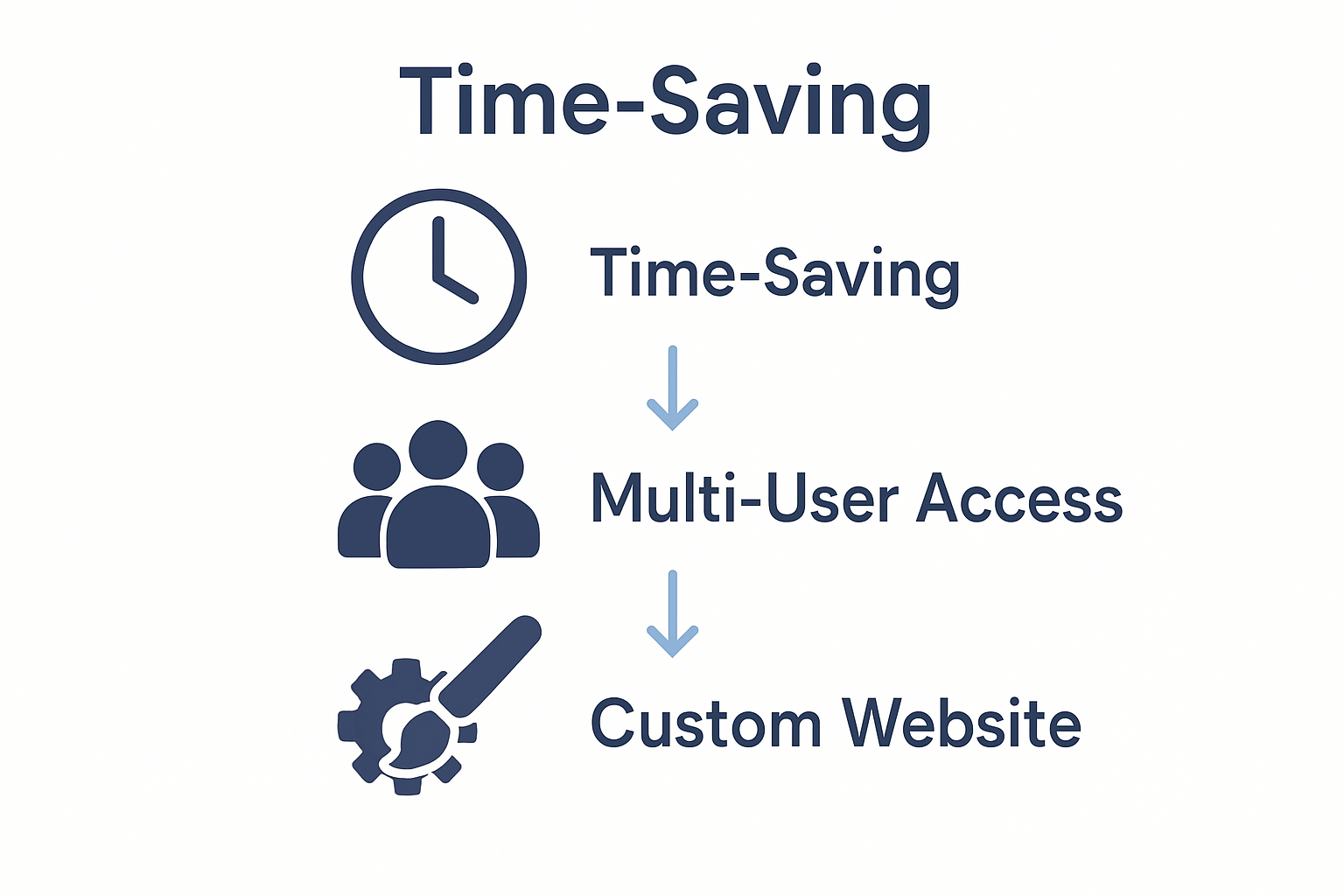
Research demonstrates significant operational advantages of CMS platforms for businesses. By streamlining content management processes, these systems dramatically improve collaboration, accountability, and resource allocation. Companies can allocate technical resources more strategically, reducing time spent on manual content updates and focusing on core business objectives.
Key business benefits of implementing a CMS include:
Operational Efficiency
- Rapid content publishing
- Simplified workflow management
- Reduced technical dependencies
- Centralised content control
Cost Effectiveness
- Lower website maintenance expenses
- Minimal technical skills required
- Reduced external development costs
- Scalable infrastructure
Strategic Advantages
- Enhanced user engagement
- Consistent brand messaging
- Faster marketing responsiveness
- Improved search engine optimisation
Net Branding recognises that selecting the right CMS can fundamentally transform a business’s digital strategy. The ability to quickly adapt content, manage multiple users, and maintain a professional online presence represents a critical competitive advantage in today’s digital marketplace.
FAQs:
How quickly can a business implement a CMS?
Most modern CMS platforms offer rapid deployment, often within days or weeks.Do CMS platforms require technical expertise?
Many contemporary CMS solutions are designed with user-friendly interfaces suitable for non-technical users.Can a CMS improve website performance?
Yes, CMS platforms often include built-in performance optimization and SEO tools.
Common CMS Challenges and Mistakes to Avoid
Navigating the complexities of Content Management Systems requires a strategic approach, particularly when considering website security protocols that protect digital assets. Understanding potential pitfalls can help businesses mitigate risks and maintain robust online infrastructure.
Research into CMS vulnerabilities reveals critical challenges that organisations must address. Security analysis indicates that unpatched extensions and inconsistent update practices represent significant systemic risks. Businesses frequently encounter vulnerabilities through outdated plugins, inadequate security configurations, and neglected maintenance protocols.
Common CMS challenges organisations encounter include:
Security Vulnerabilities
- Unpatched software extensions
- Weak authentication mechanisms
- Insufficient access controls
- Outdated platform versions
Performance Issues
- Slow page loading times
- Inefficient database queries
- Excessive plugin utilisation
- Poor caching strategies
Operational Mistakes
- Irregular content audits
- Inconsistent backup procedures
- Complex user permission structures
- Neglected software updates
Net Branding understands that proactive management represents the most effective strategy for minimising CMS-related risks. Regular security assessments, comprehensive update protocols, and strategic plugin selection can significantly enhance digital platform reliability and performance.
FAQs:
How often should CMS platforms be updated?
Critical security updates should be implemented immediately, with comprehensive platform reviews conducted quarterly.What is the biggest security risk in CMS platforms?
Outdated extensions and plugins consistently represent the most significant security vulnerability.Can small businesses effectively manage CMS security?
Yes, with disciplined maintenance and strategic tool selection, businesses of all sizes can maintain robust digital security.
Take Control of Your Website CMS with Expert Support
Understanding the complexities of a Content Management System and how to avoid common pitfalls can truly empower your business to thrive online. If you are aiming to simplify your website management while maximising SEO, performance, and security, it is essential to partner with professionals who understand these challenges. This article highlights crucial aspects like security vulnerabilities, customisation options, and efficient content workflows that can make or break your digital success.

Discover how our tailored WordPress website design and development services at ResponsiveWebsiteDesign can help you unlock the full potential of your CMS. Whether you require expert advice on selecting the perfect platform, customised solutions to enhance user experience or ongoing website management and security, we are here to support you every step of the way. Explore our practical insights in the Website Archives and find out how to transform your online presence confidently today.
Frequently Asked Questions
What is the primary function of a CMS?
A CMS allows users to create, manage, and update website content without requiring advanced technical skills.
How user-friendly are modern CMS platforms?
Most modern CMS platforms feature user-friendly interfaces that require minimal technical training, making them accessible to a wide range of users.
What types of CMS platforms are available?
The three main types of CMS platforms are open-source, proprietary, and Software as a Service (SaaS), each offering unique benefits depending on the user’s needs.
What are the key features to look for in a CMS?
Essential features to consider include content creation tools, user management capabilities, media management, and options for template and design customisation.
Recommended
- Why Update Your Website: Complete Guide for 2025 – ResponsiveWebsiteDesign
- How to Update Website Content for Business Success – ResponsiveWebsiteDesign
- Best Top Web Design Tools – Expert Comparison 2025 – ResponsiveWebsiteDesign
- Best Ecommerce Website Tools – Expert Comparison 2025 – ResponsiveWebsiteDesign