
Picture a busy morning when your company website suddenly goes offline, and every client file is missing. For many New Zealand businesses, this scenario shows why website backups are much more than routine tech tasks. Regular, secure backups serve as your first line of defence against data loss from cyberattacks, hardware failure, or simple human mistakes. Discover how smart backup strategies protect your WordPress site, safeguard customer trust, and keep your business running.
Table of Contents
- Website Backups Explained For Businesses
- Types Of Backups And Storage Options
- How Backups Protect WordPress Sites
- Legal And Compliance Implications For 2026
- Risks And Costs Of Neglecting Backups
Key Takeaways
| Point | Details |
|---|---|
| Importance of Backups | Regular website backups are essential for protecting against data loss due to various threats. They serve as a crucial safety net for business continuity. |
| Backup Strategy Components | A robust backup strategy should include regular schedules, multiple locations, and encryption to ensure quick data recovery and security. |
| Compliance and Legal Considerations | Businesses must adhere to evolving data protection regulations and maintain clear documentation to demonstrate backup effectiveness and compliance. |
| Risks of Neglecting Backups | Inadequate backup strategies can lead to severe financial, operational, and reputational consequences that threaten business sustainability. |
Website backups explained for businesses
Small business owners operate in a digital landscape where data protection isn’t optional. Website backups represent a critical safety net against potential digital disasters that could cripple operational continuity.
A website backup is essentially a comprehensive copy of your entire website’s data, files, and configuration, meticulously stored to enable rapid recovery in case of unexpected incidents. Critical business data protection involves creating precise replicas of your digital assets that can be swiftly restored if something goes wrong.
Business websites face multiple potential threats that make regular backups essential:
- Cyberattacks targeting small business websites
- Potential hardware failures
- Accidental human errors
- Unintended data deletion
- Potential system crashes
Net Branding recommends understanding backups as more than just data storage – they’re a strategic business continuity tool. Backup strategies for businesses should include identifying precisely what data requires protection, establishing consistent backup schedules, and conducting periodic recovery tests.
Effective website backups typically involve multiple layers of protection. This means creating redundant copies stored in different locations – preferably both onsite and in secure cloud environments. Most professional backup solutions offer automated processes that can capture your entire website’s ecosystem without manual intervention.
Key Components of a Robust Backup Strategy:
- Regular scheduled backups
- Multiple backup locations
- Encrypted storage
- Quick restoration capabilities
- Comprehensive data coverage
By implementing a strategic backup approach, small businesses can significantly reduce potential financial and operational risks associated with unexpected data loss.
Pro tip: Configure automatic weekly backups and store copies in at least two separate secure locations to maximise your website’s resilience.
Types of backups and storage options
Small businesses face numerous data storage challenges, making understanding different backup types crucial for comprehensive digital protection. Modern data backup strategies reveal several approaches tailored to specific organisational needs and risk profiles.
Businesses can leverage multiple backup methods, each offering unique advantages:
- Physical Media Backups
- Tape storage for long-term archival
- Cost-effective for historical data preservation
- Disk-Based Backups
- Rapid recovery capabilities
- Direct access to stored information
- Cloud Backups
- Scalable storage solutions
- Offsite protection against localised disasters
- Hybrid Backup Systems
- Combines local and cloud storage
- Maximises flexibility and redundancy
Net Branding recommends implementing the comprehensive backup protection strategy known as the 3-2-1 rule. This approach ensures robust data protection by maintaining three backup copies, stored on two different media types, with one copy kept offsite.

Effective backup strategies require careful consideration of storage locations and potential risks. Local storage options like external hard drives provide immediate access, while cloud solutions offer geographic diversity and protection against physical damage such as fire or theft.
Backup Storage Considerations:
- Assess data sensitivity
- Evaluate recovery time requirements
- Consider budget constraints
- Analyse potential disaster scenarios
- Review compliance and regulatory needs
Choosing the right backup method depends on your specific business requirements, data volume, and operational complexity.
Here’s a comparison of website backup methods and their suitability for different business needs:
| Backup Method | Recovery Speed | Best For |
|---|---|---|
| Physical Media | Slow (hours to days) | Long-term storage, archives |
| Disk-Based | Fast (minutes) | Local quick restores |
| Cloud-Based | Moderate (variable) | Offsite disaster recovery |
| Hybrid (Local+Cloud) | Fast & reliable | Comprehensive, multi-layered use |
Pro tip: Regularly test your backup restoration process to ensure data can be successfully recovered when unexpected incidents occur.
How backups protect WordPress sites
WordPress websites are complex digital ecosystems vulnerable to multiple potential threats, making robust backup strategies absolutely critical for small businesses. Website backup methods encompass comprehensive protection strategies that safeguard every aspect of your digital presence.
WordPress site backups typically involve capturing multiple critical components:
- Website Files
- Theme configurations
- Plugin settings
- Custom code modifications
- Database Contents
- Posts and pages
- User account information
- Comments and interaction data
- Configuration Settings
- WordPress core files
- Site-specific customisations
- Security parameters
Net Branding understands that WordPress website management requires sophisticated backup approaches. These can include full, incremental, and differential backup types, each offering unique advantages for comprehensive site protection.
Full backups capture entire website content at a specific moment, providing complete restoration capabilities. Incremental backups track only changes since the last backup, reducing storage requirements and backup time. Differential backups record modifications since the last full backup, offering a balanced approach to data preservation.
Backup Protection Strategies:
- Schedule regular automated backups
- Store backups in multiple locations
- Encrypt sensitive backup data
- Test restoration processes periodically
- Monitor backup integrity and consistency
Effective WordPress backup strategies minimise potential downtime, protect against data loss, and ensure business continuity during unexpected digital disruptions.
Pro tip: Configure automatic daily backups and maintain at least three separate backup copies in different secure locations to maximise your WordPress site’s resilience.
Legal and compliance implications for 2026
Business owners face increasingly complex legal landscapes surrounding data protection and backup requirements in 2026. Data protection regulations are evolving rapidly, demanding sophisticated approaches to digital asset management and cybersecurity.
Key legal compliance considerations for website backups include:
- Data Privacy Requirements
- Protection of customer information
- Secure storage of sensitive data
- Compliance with international privacy standards
- Cybersecurity Mandates
- Regular security assessments
- Documented backup procedures
- Incident response planning
- Regulatory Accountability
- Transparent data management
- Verifiable backup processes
- Clear responsibility frameworks
Net Branding recognises that business data backup compliance involves more than technical implementation. The Shared Responsibility Model emerging in 2026 emphasises clear accountability for data security across organisational levels.
Businesses must now demonstrate not just the existence of backups, but their effectiveness through regular testing and comprehensive documentation. This shift means organisations need robust systems that can prove data integrity, recovery capabilities, and adherence to evolving regulatory standards.
Compliance Verification Checklist:
- Document backup policies
- Conduct quarterly backup tests
- Maintain detailed recovery logs
- Ensure encryption standards
- Create audit-ready documentation
Understanding these legal frameworks is crucial for protecting your business from potential financial and reputational risks associated with data management failures.
Pro tip: Engage a legal professional specialising in digital compliance to review your backup and data protection strategies annually.
Risks and costs of neglecting backups
Small businesses operate in a digital ecosystem where data represents their most critical asset, making backup negligence potentially catastrophic. Data loss consequences can trigger devastating financial and operational impacts that may permanently compromise business sustainability.
Potential risks of inadequate backup strategies include:
- Financial Devastation
- Significant revenue interruption
- Costly data reconstruction expenses
- Potential legal penalty costs
- Operational Disruption
- Extended business downtime
- Loss of critical customer information
- Compromised service delivery
- Reputational Damage
- Erosion of customer trust
- Negative brand perception
- Potential client migration
Net Branding understands that small business data recovery challenges extend far beyond immediate technical complications. Recovery without proper backups could consume weeks or months, threatening the fundamental survival of your business operations.
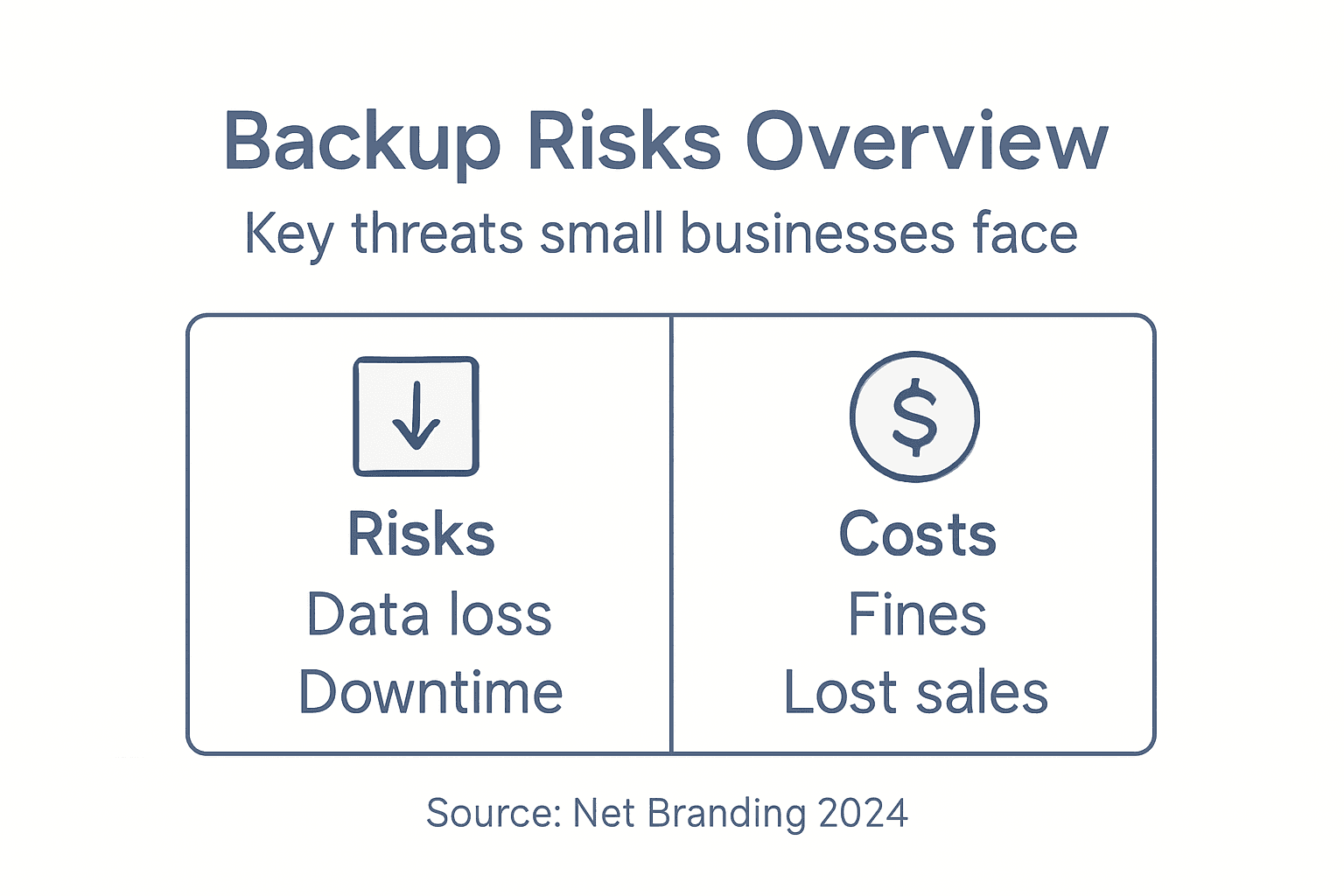
Statistical evidence reveals alarming trends in data loss scenarios. Cyberattacks, hardware failures, and human errors consistently emerge as primary causes of critical information destruction. Small businesses without comprehensive backup strategies face exponentially higher risks of permanent data elimination.
Financial Impact Categories:
- Direct data reconstruction costs
- Lost productivity hours
- Potential contractual penalty fees
- Emergency technology intervention
- Reputation management expenses
Understanding these multifaceted risks transforms backup from a technical consideration into a strategic business imperative.
Below is a summary of the major risks of neglecting backups and their real-world business impacts:
| Risk Type | Potential Consequence | Example Business Impact |
|---|---|---|
| Financial Loss | Expensive recovery and penalties | Revenue loss, legal fines |
| Operational Downtime | Loss of productivity, service halt | Extended website or service outage |
| Reputation Damage | Erosion of customer trust | Clients leaving, negative publicity |
Pro tip: Conduct a comprehensive risk assessment of your digital assets and calculate potential financial losses to justify robust backup investments.
Secure Your Small Business Website with Professional Backup Solutions
Understanding why website backups matter is crucial to protecting your small business from data loss, cyberattacks, and costly downtime. The article highlights the importance of regular, automated backups stored in multiple secure locations — critical steps to avoid financial devastation and operational disruption. If you want peace of mind and a strong defence against unexpected data threats, professional assistance can make all the difference.

Explore how our expert team specialises in WordPress website design and ongoing management tailored for New Zealand businesses. We focus on building resilient websites with automated backups, security optimisation, and performance monitoring that align with your business goals. Visit our Website Archives to learn strategies for digital protection or connect directly through our main site ResponsiveWebsiteDesign to get started. Don’t wait until data loss disrupts your business. Secure your online presence today with customised backup solutions built for longevity and reliability.
Frequently Asked Questions
Why are website backups important for small businesses?
Website backups are crucial for small businesses as they provide a safety net against potential digital disasters, such as cyberattacks, hardware failures, and human errors. Regular backups ensure quick recovery of your website’s data, maintaining operational continuity.
What are the key components of an effective backup strategy?
An effective backup strategy typically includes regular scheduled backups, multiple backup locations, encrypted storage, quick restoration capabilities, and comprehensive data coverage to protect vital business information.
What types of backups should small businesses consider?
Small businesses should consider physical media backups for long-term storage, disk-based backups for rapid recovery, cloud backups for scalable offsite protection, and hybrid backup systems that combine local and cloud storage for added flexibility and security.
How can small businesses ensure compliance with data protection regulations through backups?
To ensure compliance with data protection regulations, small businesses should document their backup policies, conduct regular backup tests, maintain detailed logs of recovery processes, implement encryption standards, and create audit-ready documentation to demonstrate adherence to legal requirements.
Recommended
- Website Backup: Protecting Your Business Online – ResponsiveWebsiteDesign
- Website Maintenance Checklist for Business Success – ResponsiveWebsiteDesign
- Website Maintenance – Why Reliability Matters for Business – ResponsiveWebsiteDesign
- Why Website Security Matters for Kiwi Businesses – ResponsiveWebsiteDesign
- 7 Cybersecurity Best Practices Every UK Business Must Know