
Most australian backup myths put New Zealand businesses at serious risk, with a single technical failure threatening your entire online operation. For small and medium businesses, the reality is clear—over 60 percent of companies never recover from major data loss incidents. Protecting your WordPress website is more than just ticking a box. This guide exposes common misconceptions and walks you through proven strategies that help secure every part of your digital presence and radically reduce your downtime.
Table of Contents
- Website Backup Explained And Common Myths
- Types Of Website Backups And Key Differences
- How Website Backups Work For WordPress Sites
- Legal Obligations And Compliance For Data Protection
- Risks Of Poor Backup Strategies And Common Mistakes
- Essential Best Practices And Tools For Reliable Backups
Key Takeaways
| Point | Details |
|---|---|
| Website Backups Are Essential | Effective website backups protect against data loss, cyber threats, and technical failures. A multi-layered strategy is crucial for safeguarding digital assets. |
| Understanding Backup Types | Different backup strategies, such as full, incremental, differential, and mirror backups, serve unique purposes. Select a method based on your website’s complexity and data recovery needs. |
| Legal Compliance Is Key | Organisations must implement security measures in backups to meet legal standards, such as GDPR. Treat backup data with the same security precautions as active data. |
| Avoid Common Mistakes | Relying on insufficient backup practices can lead to catastrophic data loss. Regular testing and a structured approach are essential to maintaining a reliable backup system. |
Website backup explained and common myths
Website backups are critical for protecting your online business from potential data loss, cyber threats, and unexpected technical failures. Understanding the fundamentals of website backup and dispelling common misconceptions can help New Zealand business owners safeguard their digital assets effectively.
Many business owners harbour dangerous myths about data protection. Backup realities reveal critical vulnerabilities that can compromise entire digital infrastructures. One prevalent misconception is believing personal devices or single external drives provide comprehensive protection. In reality, localised storage solutions are inherently risky and insufficient.
Effective website backup strategies require a multi-layered approach. Net Branding recommends implementing redundant backup systems that include:
- Cloud-based backup solutions
- Offsite data storage
- Regular automated backup schedules
- Encrypted backup repositories
- Periodic backup integrity verification
Business owners must recognise that website data encompasses more than visible content. Your backups should include databases, configuration files, plugins, themes, and custom code. A comprehensive backup strategy protects against potential scenarios like accidental deletions, hacking attempts, server crashes, and technical malfunctions.
Pro Tip: Implement an automated backup system that creates multiple redundant copies across different geographical locations to maximise data protection and recovery potential.
Types of website backups and key differences
Website backups are not a one-size-fits-all solution. Different backup strategies serve unique purposes, and understanding their nuanced characteristics helps business owners select the most appropriate protection for their digital assets. Comprehensive backup types offer varied protection mechanisms that address specific organisational needs.
Four primary website backup types exist, each with distinct advantages and limitations. Full backups create a complete copy of all website data, providing comprehensive protection but consuming significant storage resources. Incremental backups capture only changes since the last backup, reducing storage requirements and processing time. Differential backups record modifications since the last full backup, offering a balanced approach between storage efficiency and recovery speed. Mirror backups generate real-time duplicates, ensuring immediate replication of website content.
Selecting the appropriate backup strategy depends on several critical factors:
- Website complexity
- Data volume
- Recovery time objectives
- Available storage infrastructure
- Budget constraints
- Regulatory compliance requirements
Net Branding recommends a hybrid approach that combines multiple backup types. For instance, performing monthly full backups supplemented by daily incremental backups provides robust protection while maintaining storage efficiency. This strategy ensures rapid recovery and minimal data loss in potential disaster scenarios.

Here’s a quick comparison of the main website backup types and their practical business implications:
| Backup Type | Storage Use | Recovery Speed | Ideal Use Case |
|---|---|---|---|
| Full Backup | Very high | Fast | Major changes or monthly safety |
| Incremental Backup | Low | Moderate | Daily content updates |
| Differential Backup | Moderate | Faster than incremental | Weekly recovery requirements |
| Mirror Backup | Highest | Instant | Real-time large e-commerce sites |
Pro Tip: Regularly test your backup restoration process to validate data integrity and confirm your backup strategy functions effectively under real-world conditions.
How website backups work for WordPress sites
WordPress websites require comprehensive backup strategies that protect both website files and critical database information. WordPress backup methods protect against potential data loss through multiple sophisticated approaches designed to safeguard your digital assets.
Most WordPress backup strategies involve four primary components: site files, database content, themes, and plugins. Each component demands specific backup techniques. Site files include all uploaded media, theme files, and core WordPress installation directories. Database backups capture all website content, user information, post details, and configuration settings that constitute the dynamic elements of your WordPress site.
Net Branding recommends several backup approaches for WordPress sites:
- Automated backup plugins
- Hosting provider backup solutions
- Manual backups via cPanel or FTP
- Command-line backup techniques
Effective WordPress backup processes require consistent implementation and strategic planning. Backup frequency should align with your website’s update frequency – high-traffic sites might require daily backups, while static websites could manage weekly intervals. The goal remains consistent: minimise potential data loss and ensure rapid restoration capabilities in case of unexpected technical failures.
Pro Tip: Maintain at least three backup copies stored in different geographical locations to guarantee maximum data protection and recovery flexibility.
Legal obligations and compliance for data protection
Businesses handling digital information must navigate complex legal requirements surrounding data protection and privacy. Data protection legal frameworks establish critical compliance standards that require organisations to implement robust technical and organisational safeguards for personal information.
The General Data Protection Regulation (GDPR) represents the most comprehensive global standard for data management. Personal data protection extends beyond active website content and explicitly includes backup and archival systems. This means organisations must apply identical security principles to stored data, including encryption, access controls, and strict retention policies. Backup systems are not exempt from legal scrutiny and must meet the same rigorous standards as primary data storage mechanisms.
Key legal compliance requirements for website backups include:
- Implementing encryption for stored personal data
- Restricting backup access to authorised personnel
- Establishing clear data retention and deletion protocols
- Documenting backup security measures
- Ensuring data minimisation principles
- Maintaining audit trails of backup processes
Net Branding recommends treating backup data with the same level of protection as active website content. Business owners must understand that legal responsibilities extend to all stored information, regardless of its current usage. This approach ensures comprehensive data protection and demonstrates proactive compliance with evolving regulatory standards.
Pro Tip: Conduct regular compliance audits of your backup systems to identify and address potential legal vulnerabilities before they become significant issues.
Risks of poor backup strategies and common mistakes
Website backup failures can devastate business operations, transforming a minor technical issue into a potentially catastrophic data loss scenario. Backup strategy failures create significant organisational vulnerabilities that can compromise entire digital infrastructures.
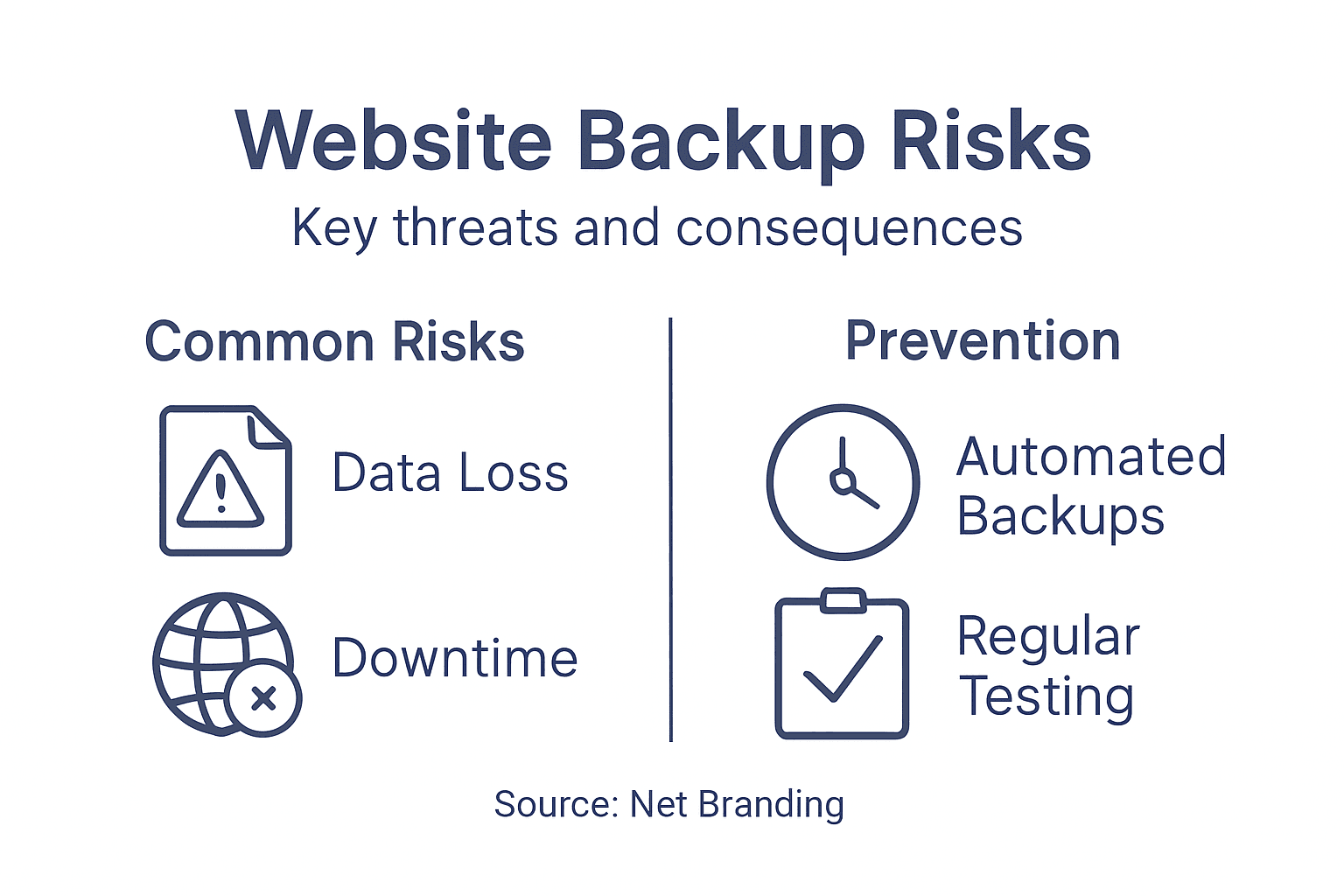
Businesses frequently encounter several critical backup strategy mistakes that exponentially increase their risk profile. Backup negligence manifests through multiple common errors, including treating backups as isolated events rather than continuous processes. Many organisations mistakenly assume that creating a single backup provides comprehensive protection, when in reality, diversified and regularly tested backup approaches are essential.
Common backup strategy risks include:
- Relying on a single storage location
- Infrequent backup schedule
- Lack of systematic testing
- Insufficient documentation
- Inadequate staff training
- No defined recovery protocols
- Ignoring potential hardware failures
Net Branding emphasises the importance of developing a holistic backup strategy that goes beyond simple data preservation. Business owners must view backups as dynamic, ongoing processes requiring continuous monitoring, regular testing, and adaptive approaches. Implementing robust backup mechanisms involves understanding potential vulnerabilities, creating multiple redundancy layers, and establishing clear recovery pathways that minimise potential downtime and data loss.
The table below summarises common risks from poor site backup practices and the direct impact on your business:
| Common Risk | Business Impact | Prevention Approach |
|---|---|---|
| Single storage reliance | Total loss if drive fails | Multiple offsite backups |
| Infrequent backup schedule | Large gaps in recoverable data | Automated frequent backups |
| No testing of backups | Unverifiable recoverability | Regular restoration tests |
| Insufficient documentation | Delayed recovery actions | Detailed process records |
Pro Tip: Conduct quarterly comprehensive backup strategy reviews to identify and address potential weaknesses before they become critical failures.
Essential best practices and tools for reliable backups
Developing a robust website backup strategy requires comprehensive planning and strategic implementation of advanced technological solutions. While no single external research source was provided, Net Branding’s expertise highlights critical approaches for ensuring data protection and continuity for New Zealand businesses.
Effective backup strategies demand a multi-layered approach that combines technological tools, systematic processes, and proactive management. Business owners must implement comprehensive backup mechanisms that go beyond simple file duplication, focusing on creating resilient, adaptable systems that can withstand potential technological disruptions.
Key best practices for website backups include:
- Implementing automated backup schedules
- Utilising multiple storage locations
- Encrypting backup repositories
- Establishing clear recovery protocols
- Conducting regular backup integrity tests
- Maintaining offsite and cloud-based backup copies
- Creating comprehensive documentation of backup processes
Net Branding recommends selecting backup tools that offer seamless integration with WordPress environments, provide incremental backup capabilities, and enable quick restoration processes. These tools should offer robust security features, support multiple backup destinations, and generate detailed logs for tracking backup performance and potential issues.
Pro Tip: Configure backup systems to send automated notification reports, ensuring you’re immediately informed about backup status and potential configuration problems.
Secure Your Business with Expert WordPress Backup and Management
The article clearly highlights common challenges such as unreliable backup schedules, single storage risks, and untested restoration processes that could jeopardise your business website’s safety. Protecting your digital assets requires more than basic backups it demands a strategic, multi-layered defence tailored to your specific website setup including WordPress files, themes, plugins and databases. At Responsive Website Design, we specialise in creating and maintaining resilient WordPress websites that include robust backup solutions to safeguard your data against accidental loss, hacking, or server failures.
Take control today and avoid costly downtime by partnering with professionals who understand the critical importance of regular automated backups and tested recovery plans. Whether you need a fresh WordPress website design or ongoing maintenance and security services, we build customised strategies that prioritise your peace of mind and business continuity.

Don’t leave your website’s future to chance. Explore our comprehensive WordPress solutions at Responsive Website Design and secure your online presence now with trusted backups and expert care.
Frequently Asked Questions
What is a website backup and why is it important?
A website backup is a process that creates copies of a website’s data to protect it from loss due to accidents, cyber threats, or technical failures. It is important for safeguarding digital assets and ensuring business continuity in case of data loss scenarios.
What types of website backups are available?
There are four primary types of website backups: Full backups, Incremental backups, Differential backups, and Mirror backups. Each type serves different purposes, with variations in storage use, recovery speed, and ideal use cases for protecting your website’s data.
How often should I perform website backups?
Backup frequency should align with your website’s update frequency. High-traffic sites may require daily backups, while static websites could manage with weekly backups. Regular automated backup schedules are recommended for consistent data protection.
What are the risks of poor backup strategies?
Poor backup strategies can lead to catastrophic data loss due to relying on a single storage location, infrequent backup schedules, and lack of regular testing. Common mistakes include insufficient documentation and inadequate staff training, which can exacerbate the impacts of a data loss incident.
Recommended
- Complete Guide to Website Security for Businesses – ResponsiveWebsiteDesign
- How to Secure Your Website for Lasting Business Success – ResponsiveWebsiteDesign
- Web Security Explained: Protecting Your Business Online – ResponsiveWebsiteDesign
- Website Maintenance Checklist for Business Success – ResponsiveWebsiteDesign
- 7 Essential Steps for a Data Protection Checklist for SMEs – IT Start