
Building a WordPress website without a clear structure can quickly lead to inconsistent branding, clunky updates, and messy code. As web development managers across New Zealand push for faster launch times and improved user experiences, the need for a smarter approach becomes clear. Adopting a design system, with its reusable components and agreed standards, empowers teams to deliver scalable, polished sites while keeping every digital touchpoint harmonious and easy to maintain.
Table of Contents
- What Are Design Systems in Web Design?
- Types of Design Systems for WordPress Projects
- How Design Systems Streamline Site Delivery
- Key Benefits for Efficiency and Consistency
- Common Pitfalls and How to Avoid Them
Key Takeaways
| Point | Details |
|---|---|
| Design Systems Enhance Consistency | They establish a unified visual language and reusable components, streamlining design and development processes. |
| Modular Architectures Adapt to Needs | Different design system architectures in WordPress cater to various requirements, allowing for flexibility and scalability. |
| Centralised Documentation is Crucial | Shared resources and guidelines improve collaboration and expedite onboarding, ensuring a unified approach across teams. |
| Avoid Common Pitfalls | Address potential issues like unmanaged plugins and governance gaps to maintain the integrity and effectiveness of the design system. |
What Are Design Systems in Web Design?
A design system represents a comprehensive strategy that transforms web design from a fragmented process into a cohesive framework. At its core, design systems consolidate digital product standards by establishing consistent visual language, interaction patterns, and technical specifications across digital platforms.
Design systems act like a sophisticated blueprint for WordPress websites, serving as a centralised collection of reusable components, guidelines, and principles. These systems enable web designers and developers to create harmonious digital experiences by providing predefined elements such as colour palettes, typography, icons, buttons, form styles, and interaction models. By standardising design elements, organisations can achieve remarkable consistency while dramatically reducing design complexity and development time.
In the WordPress ecosystem, design systems become particularly powerful. They allow teams to create modular, scalable interfaces that maintain brand integrity across multiple pages and sections. Net Branding professionals understand that a well-constructed design system transforms WordPress from a simple content management platform into a strategic digital asset. Unified design standards streamline digital product development by creating a shared language between designers, developers, and stakeholders.

Pro Tip: When implementing a design system in WordPress, start by documenting your existing design patterns and gradually build a comprehensive, flexible component library that can evolve with your brand’s digital presence.
Types of Design Systems for WordPress Projects
WordPress offers several distinctive design system architectures that cater to diverse web development requirements. WordPress design systems accommodate different implementation approaches ranging from traditional PHP themes to modern block editor and headless configurations, each with unique characteristics and strategic advantages.
The primary types of design systems in WordPress include traditional PHP theme design systems, block editor (Gutenberg) design systems, and headless WordPress design systems. Traditional PHP theme design systems rely on template hierarchy and theme customisation options, providing developers with robust frameworks for creating consistent visual experiences. Block editor design systems leverage the Gutenberg ecosystem, utilising components and design tokens to create modular, reusable interface elements that seamlessly integrate with WordPress’s native editing experience.
Headless WordPress design systems represent the most flexible architectural approach, decoupling the backend content management from the frontend presentation layer. WordPress design system tools consolidate foundational elements like typography, colour palettes, and interactive components across different technology stacks. These systems enable organisations to maintain brand consistency while allowing maximum technical flexibility, supporting complex digital experiences that extend beyond traditional website boundaries.
Pro Tip: When selecting a design system architecture for your WordPress project, evaluate your specific technical requirements, team expertise, and long-term scalability needs to choose the most appropriate implementation strategy.
To clarify the main types of WordPress design system architectures, here is a concise comparison:
| Architecture Type | Key Features | Ideal Use Case |
|---|---|---|
| Traditional PHP Theme | Uses template hierarchy, theme customisation, robust frameworks | Sites with classic themes and minimal JavaScript |
| Block Editor (Gutenberg) | Modular blocks, design tokens, integrates with native editor | Modern editing, flexible layouts, modular content |
| Headless WordPress | Decouples backend, flexible frontend frameworks, API driven | Custom web apps, multisite, cross-platform experiences |
How Design Systems Streamline Site Delivery
Design systems fundamentally transform WordPress site development by creating a strategic framework for rapid, consistent digital product creation. Centralized design libraries enhance site delivery efficiency by establishing standardised components, design tokens, and interaction patterns that dramatically reduce redundant design work.
The streamlining process occurs through multiple interconnected mechanisms. Reusable components eliminate repetitive design decisions, allowing developers and designers to focus on unique project requirements rather than reconstructing standard interface elements. Shared design tokens like colour palettes, typography, and spacing rules create a uniform visual language that ensures brand consistency across different pages and sections. Net Branding professionals recognise this approach significantly reduces development time and minimises potential errors that emerge from inconsistent design implementations.
Integrating design systems into WordPress workflows accelerates project timelines by establishing clear communication protocols between design and development teams. By centralising design resources and creating interactive prototypes, organisations can rapidly iterate, provide precise feedback, and seamlessly transition from conceptual design to functional website. This approach transforms site delivery from a potentially chaotic process into a structured, predictable workflow that maintains high-quality standards throughout the project lifecycle.
Pro Tip: When implementing a design system, document every component meticulously and create a living style guide that can be continuously updated and refined by your entire team.
Here’s how design systems create business value throughout the WordPress site delivery process:
| Mechanism | Description | Business Impact |
|---|---|---|
| Reusable Components | Predefined UI elements reduce redundant work | Faster development, consistent branding |
| Shared Design Tokens | Common definitions for colours, fonts, spacing | Lower error rates, unified look |
| Central Documentation | Repository for guidelines and prototypes | Improved collaboration, easy onboarding |
Key Benefits for Efficiency and Consistency
Design systems represent a strategic approach to digital product development that delivers transformative benefits for WordPress websites. Design system advantages extend beyond visual consistency, creating a comprehensive framework that enhances operational efficiency, team collaboration, and user experience across digital platforms.
The primary benefits include significant time savings and reduced complexity in design and development processes. Reusable UI components eliminate repetitive design work, allowing teams to focus on innovative solutions rather than reconstructing standard interface elements. Net Branding professionals recognise that standardised design tokens like colour palettes, typography, and interaction patterns create a uniform visual language that ensures brand integrity across multiple digital touchpoints. This approach dramatically reduces potential errors, streamlines communication between designers and developers, and accelerates project delivery timelines.
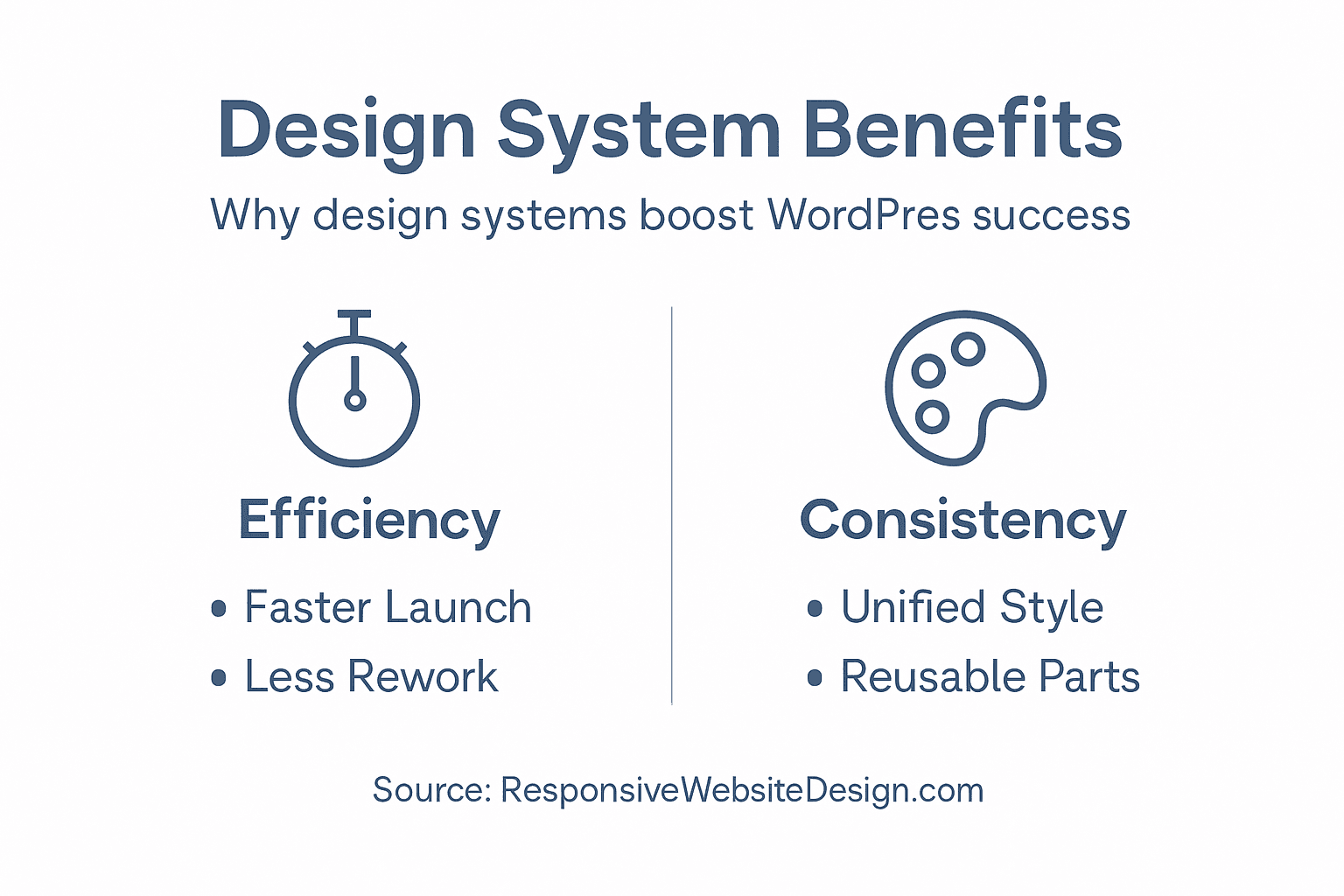
Moreover, design systems foster enhanced team collaboration by establishing a shared design language and comprehensive documentation. By creating a centralised repository of design principles, components, and guidelines, organisations can onboard new team members more quickly, maintain consistent design quality, and reduce friction between design and development teams. The systematic approach enables faster iterations, more precise feedback loops, and a more predictable development workflow that supports scalable digital experiences.
Pro Tip: Implement a robust governance model for your design system, assigning clear roles for maintaining, updating, and evolving your design components to ensure long-term effectiveness and relevance.
Common Pitfalls and How to Avoid Them
Design systems in WordPress development can encounter numerous challenges that compromise their effectiveness and efficiency. WordPress development requires strategic problem prevention, addressing potential architectural and operational limitations before they escalate into complex technical issues.
One significant pitfall involves unmanaged plugin proliferation and potential conflicts that can disrupt design system integrity. Net Branding professionals recognise that excessive or poorly maintained plugins create technical debt, introducing performance bottlenecks and security vulnerabilities. Teams must establish strict guidelines for plugin selection, prioritising well-maintained, lightweight solutions that integrate seamlessly with the design system’s core architecture. Regular plugin audits, version compatibility checks, and maintaining a minimalist approach to third-party extensions can mitigate these risks and preserve system stability.
Additionally, design system implementation often fails due to inadequate governance and documentation. Successful systems require clear ownership, comprehensive component documentation, and robust version control mechanisms. This includes creating detailed style guides, maintaining a living component library, and establishing clear protocols for proposing, reviewing, and implementing design changes. Organisations must invest time in creating a collaborative framework that allows continuous evolution while preventing design fragmentation and maintaining consistent user experience standards.
Pro Tip: Develop a rigorous component review process that includes performance testing, accessibility compliance, and cross-platform compatibility before integrating any new design elements into your system.
Boost Your WordPress Success with Strategic Design Systems
Are you facing challenges with maintaining consistent branding or speeding up your WordPress site delivery? This article highlights how design systems tackle issues like redundant design efforts and fragmented interfaces by using reusable components and shared design tokens. These methods are key to achieving a uniform user experience and efficient project workflows.

Unlock the full potential of your WordPress website with the expert team at ResponsiveWebsiteDesign. We specialise in custom WordPress development tailored for New Zealand businesses, focusing on responsive, SEO-optimised sites that align perfectly with your brand’s identity. Explore insights and solutions in our Uncategorized Archives to learn more about how thoughtful design and ongoing management improve digital success. Start transforming your website today by visiting ResponsiveWebsiteDesign and take the first step towards a streamlined, scalable, and impactful online presence.
Frequently Asked Questions
What is a design system in web design?
A design system is a cohesive framework that consolidates digital product standards, creating a consistent visual language, interaction patterns, and technical specifications for web design and development.
How do design systems improve efficiency in WordPress development?
Design systems streamline the development process by providing reusable components, shared design tokens, and centralised documentation, significantly reducing redundant work and enhancing team collaboration.
What are the different types of design systems in WordPress?
The primary types of design systems in WordPress include traditional PHP theme design systems, block editor (Gutenberg) design systems, and headless WordPress design systems, each with unique features and use cases.
How can I avoid common pitfalls when implementing a design system in WordPress?
To avoid pitfalls, establish clear governance and documentation, manage plugin selection carefully, perform regular audits, and ensure a robust review process for integrating new design components.